x
Studio VK1200 V2

Sign Up to Get at $149Two Pens Included. Recommend buying Stand Bundle.

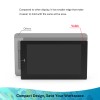
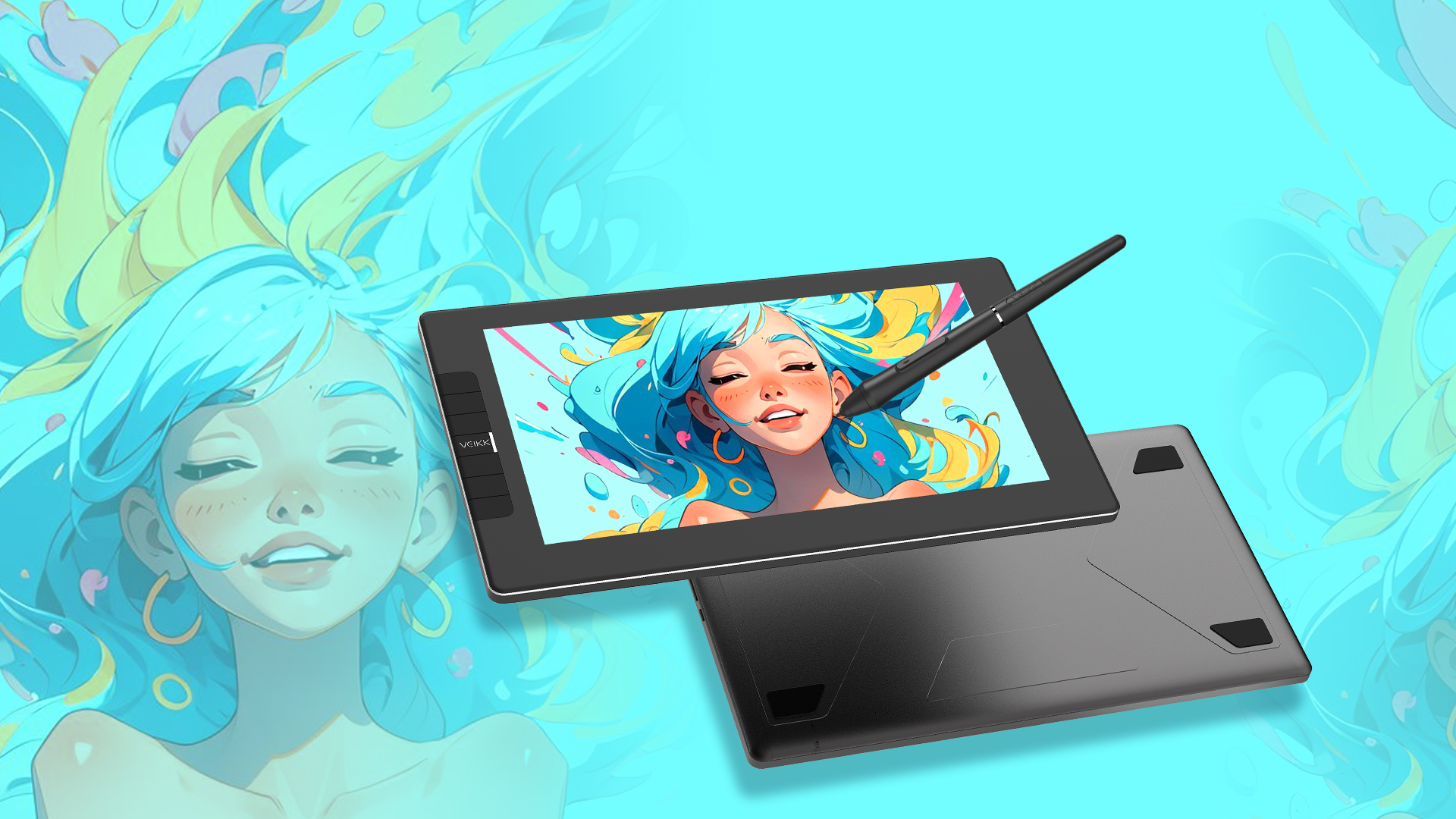
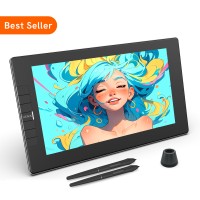
Sleek and Portable: Travel with ease with the compact, stylish and durable all-metal body design boasting an all-screen display, anti-slip back, and easy-to-carry size. 

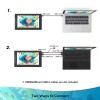
Easy to Setup: The VK1200 V2 drawing display connects easily to your device via a new update USB-C cable or a HDMI&USB cable on different devices. Two kinds of cables are all included in package.Compatible with macOS 10.12 or later, Window 7 or later, Linux. You can use it on creative program like Adobe Photoshop, paint tool sai, illustrator, Corel draw, Corel painter, sketchbook, manga studio, clip studio paint, and more.

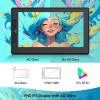
Enhanced Color Accuracy: The New AG glass on VK1200 V2 is specifically engineered to maintain color accuracy, preserving the integrity of your artwork and offering superior resistance to scratches and smudges. Experience true-to-life hues, rich tones, and precise color representation, empowering you to create with confidence.

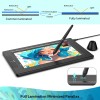
Full-Laminated Technology: Experience precision and accuracy with full-laminated technology, seamlessly combining the glass and screen for the lowest parallax and real paper-like drawing on an 11.6-inch anti-glare FHD IPS screen with 1920x1080 resolution and 72% NTSC.

Battery-free pen and Customized Shortcuts: Enjoy uninterrupted, battery-free drawing with an 16384 levels pressure pen that supports up to 60 degree tilt function on VK1200 V2. Enhance efficiency and convenience with 6 customizable shortcut keys that cater to your unique drawing habits across different software.

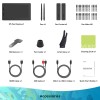
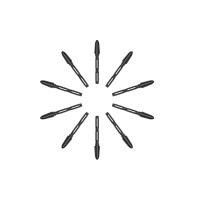
More accessories: Get more value with the package that includes not one, but two pens, 28 extra pen nibs, an artist glove, a pen holder, and a clean cloth.

Learn More
(4.81) Share your product experience
USD$209.99 USD$249.99
Bundle 1
Bundle price:USD$169.99
Buy
Bundle 2
Bundle price:USD$164.99
Buy
Buy

Google Pay

Buying in bulk for your business?

Contact us

Shipping and Delivery

Standard Shipping
5-20 business days

Expedited Shipping

3-7 business days

Returns/exchanges
Free within 30 days of your purchase

Warranty
12 months

Specs & Details+

Dimension: 319 x 190 x 12 mm

Model: VK1200 V2

Working Area: 256.32 x 144.18 mm

Report rate: 290 PPS

Resolution: 5080 LPI

Pen: P05

Pressure Sensitivity: 8192

Reading Height: 10 mm

Port: Micro-HDMI, USB-C

Tilt: 60°

Compatibility: Windows 11/10/8/7, Mac OS 10.12 (or later), Linux(Ubuntu/elementary OS/Pop!OS/ezgo/debian/mint/mageia/centOS/Arch)

Warranty: 1 Years

Full Lamination: YES

Screen Resolution: 1920 x 1080

Visual Angle: 178°

Power Supply Input: DC 5V 50-80mA

Shortcut Keys: 6

In the Box+

1 x Pen Display

2 x P05 Battery-free Pen

1 x USB Cable

1 x HDMI Cable

1 x USB-C to USB-C Cable

2 x Pen Case

1 x Pen Holder (8 x Pen Nibs Included)

20 x Pen Nibs

1 x Nib Extractor

1 x Quick Start Guide

1 x Drawing Glove

1 x Cleaning Cloth

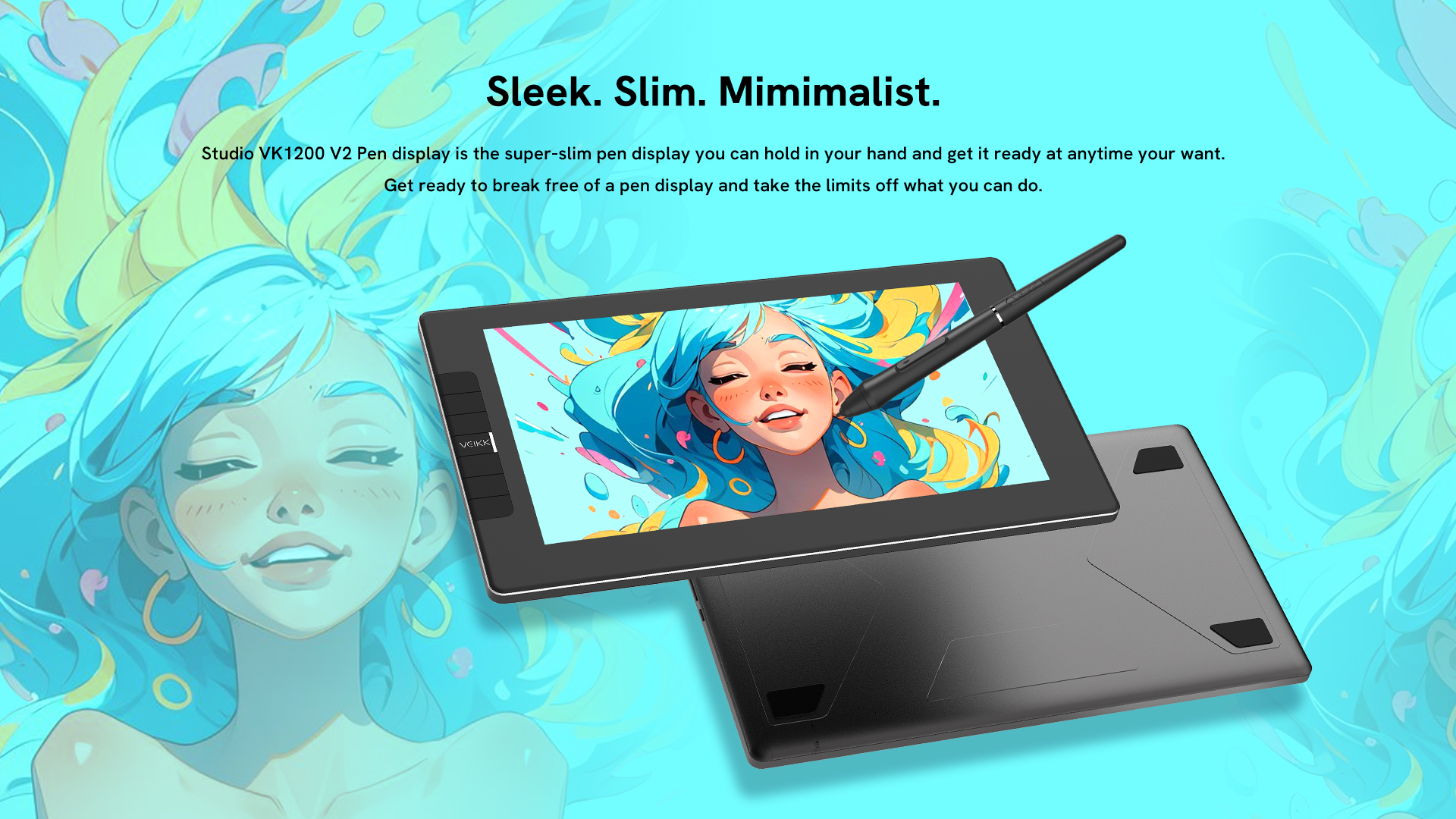
Sleek. Slim. Minimalist.
Studio VK1200 V2 Pen display is the super-slim pen display you can hold in your hand and get it ready at anytime your want. Get ready to break free of a pen display and take the limits off what you can do.
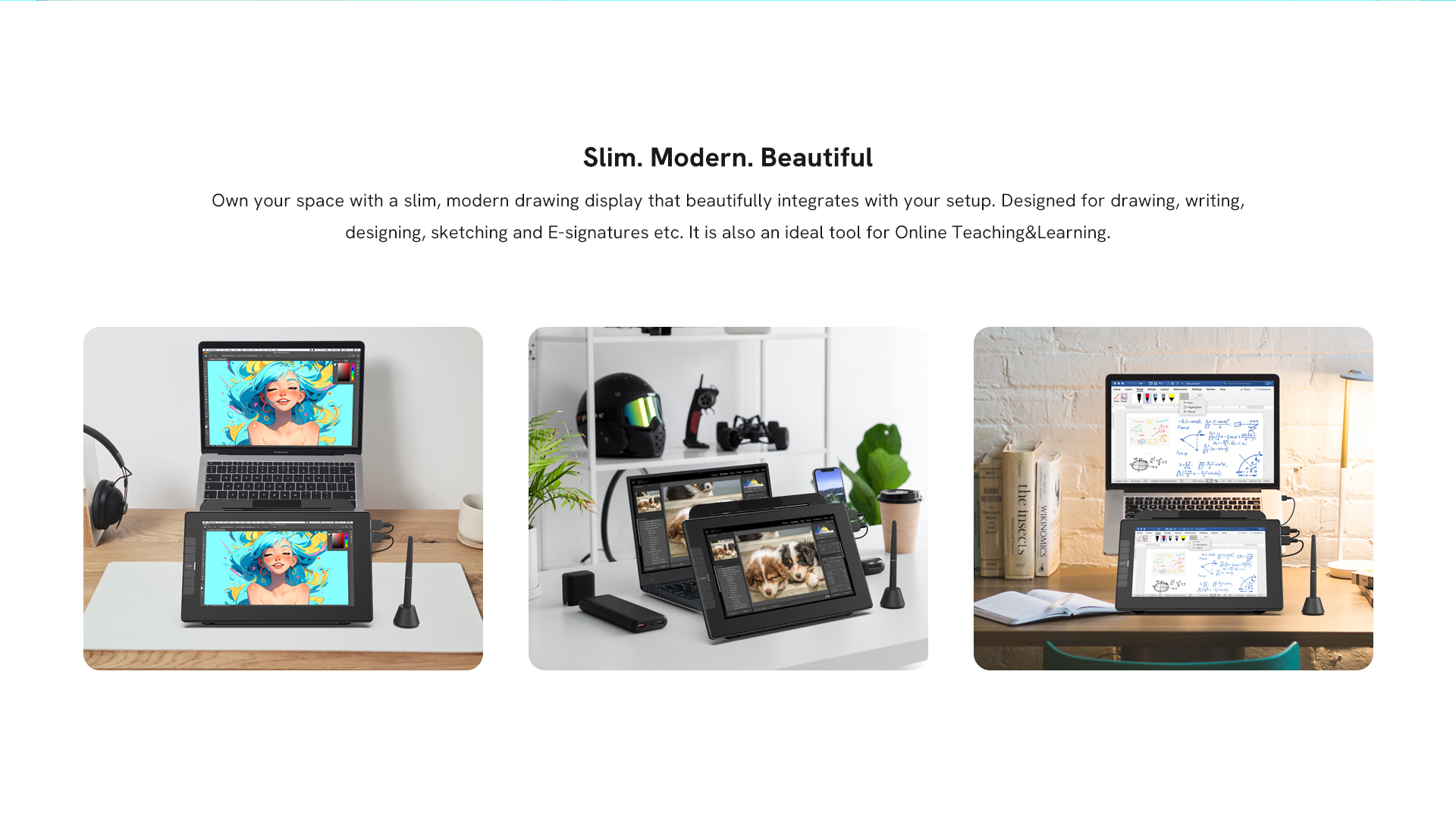
Slim. Modern. Beautiful.
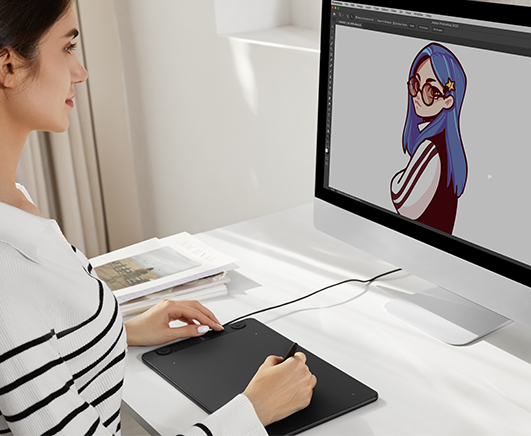
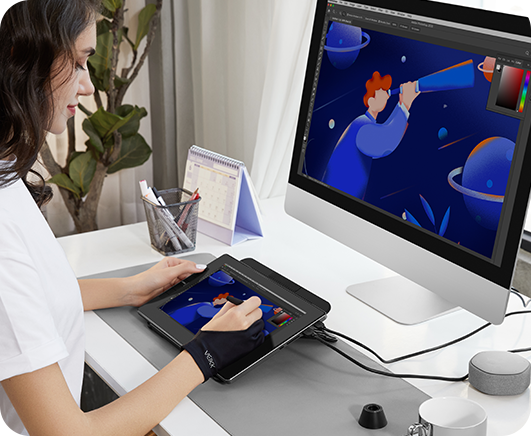
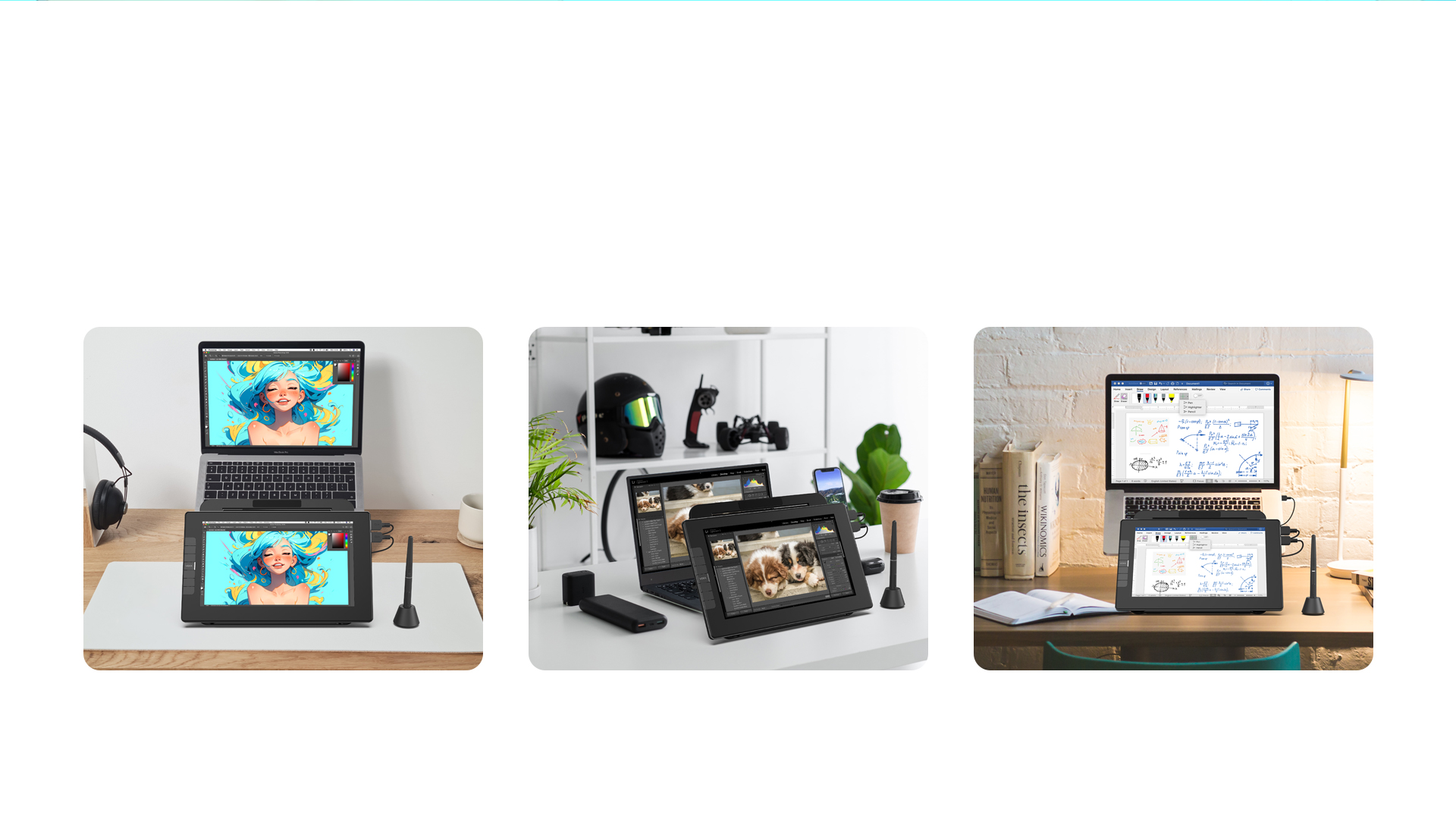
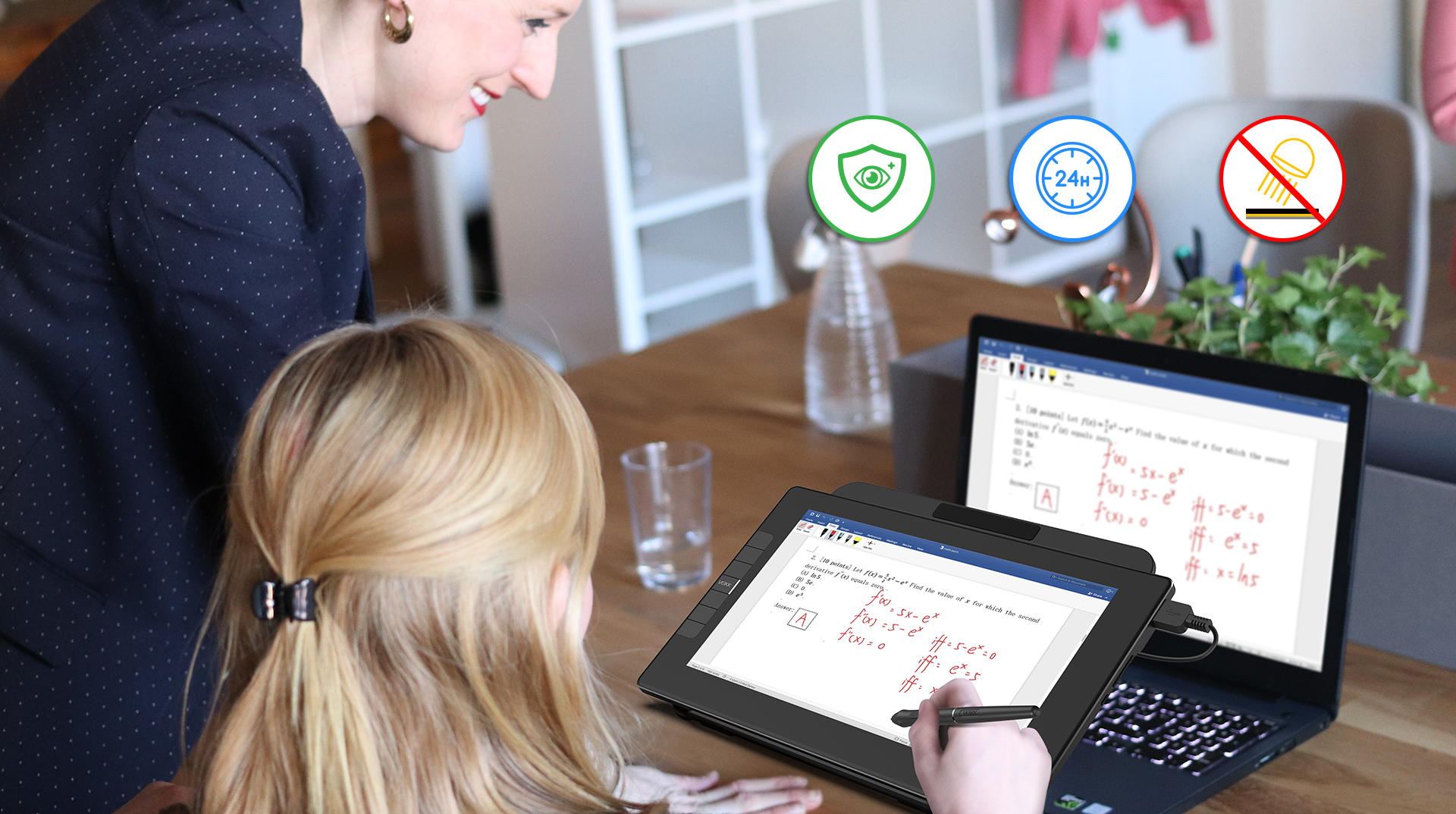
Own your space with a slim, modern drawing display that beautifully integrates with your setup. Designed for drawing, writing, designing, sketching and E-signatures etc. It is also an ideal tool for Online Teaching&Learning.


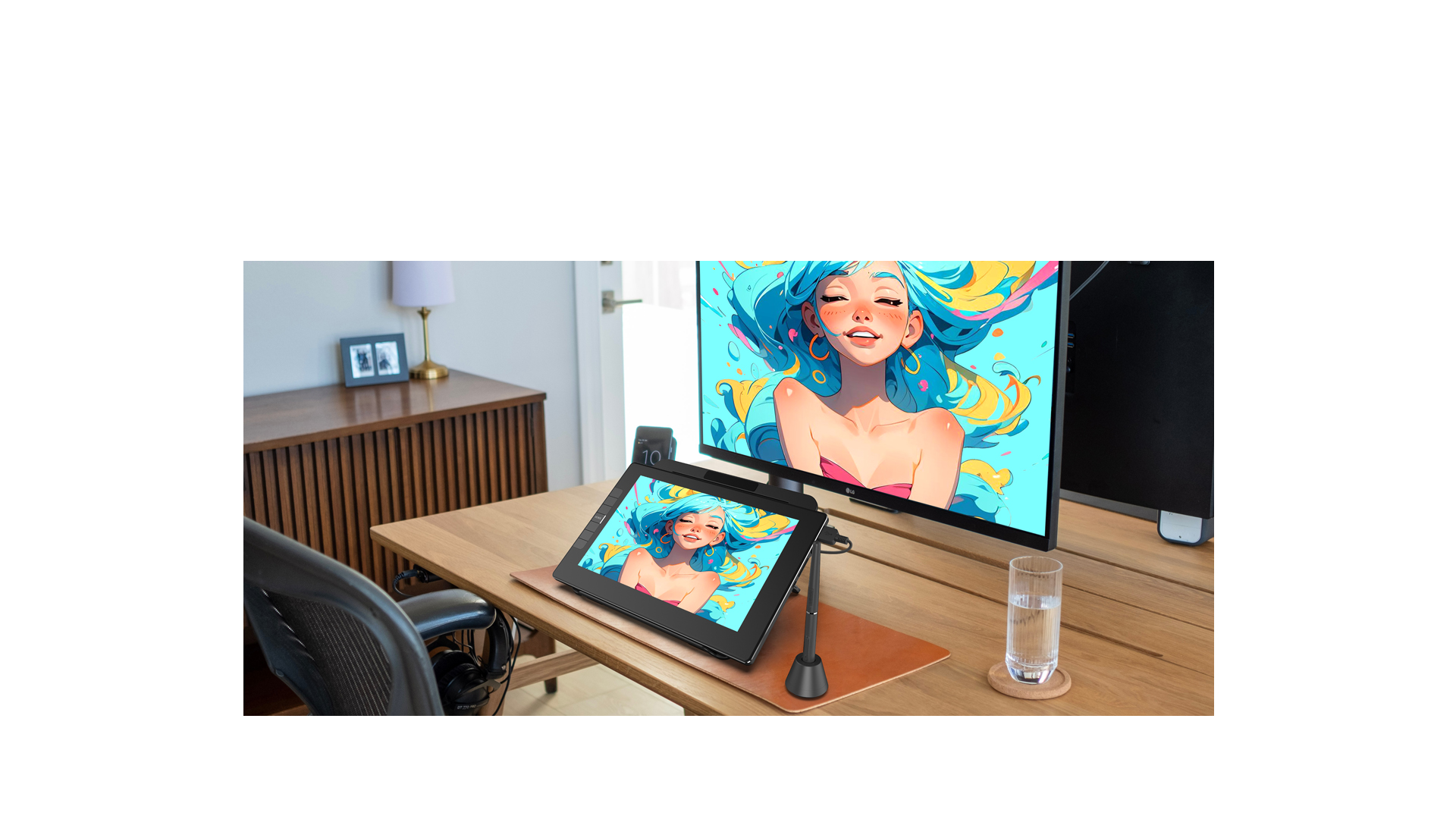
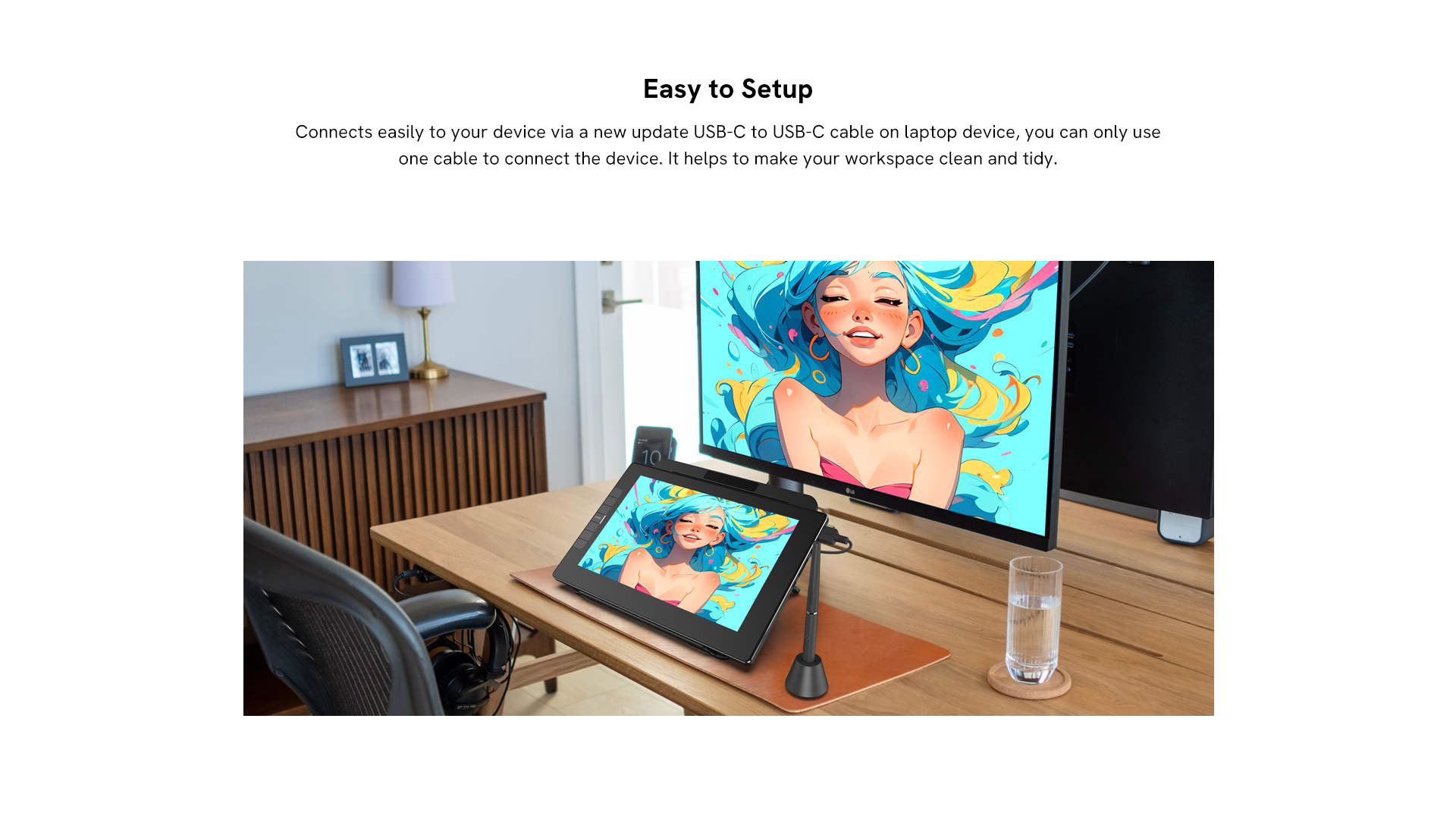
Easy to Setup
Connects easily to your device via a new update USB-C to USB-C cable on laptop device, you can only use one cable to connect the device. It helps to make your workspace clean and tidy. 
*Two ways to connect:  USB-C Connection or HDMI/USB Connection. 
USB-C connection
HDMI connection
Smartphone connection
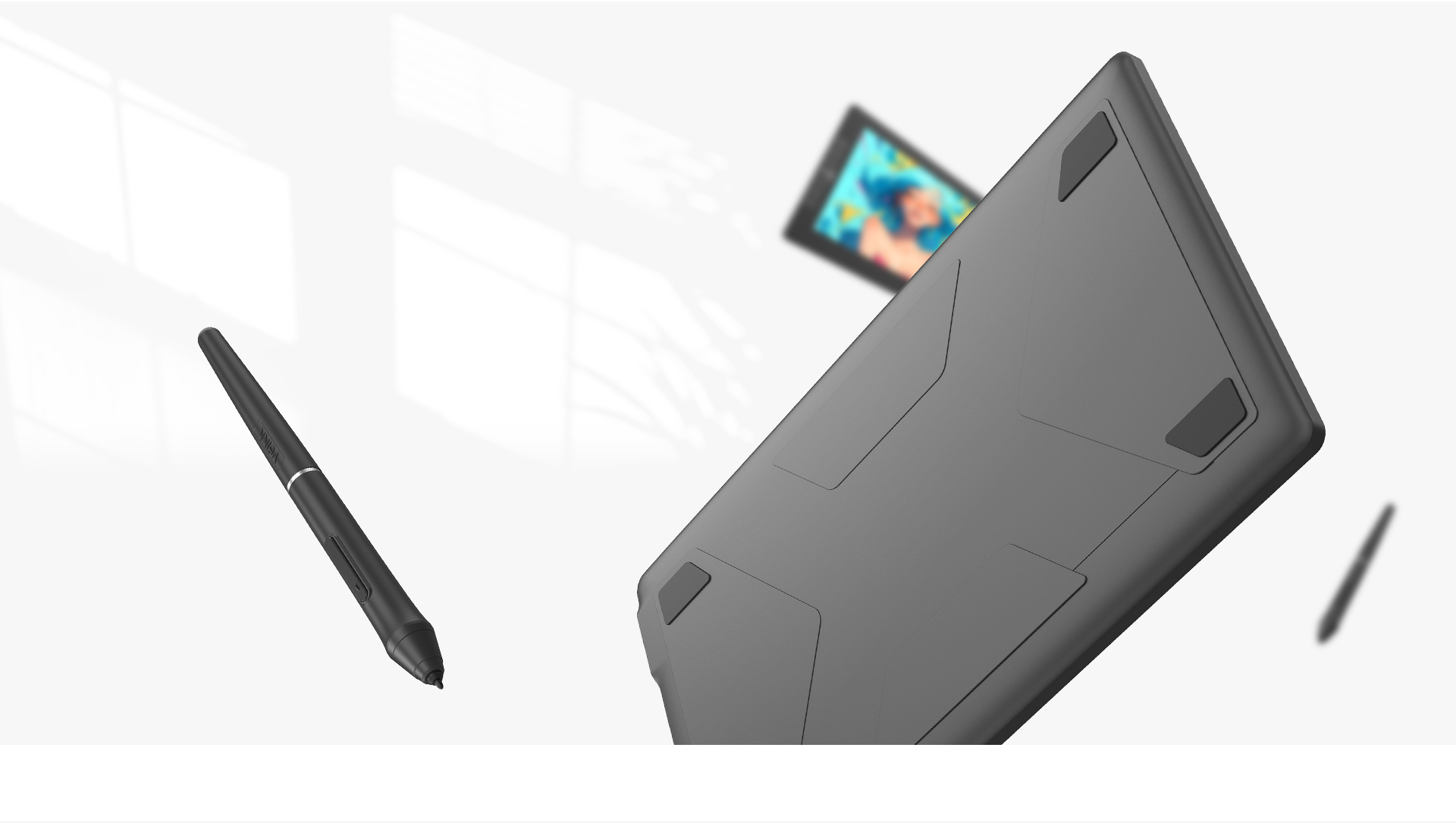
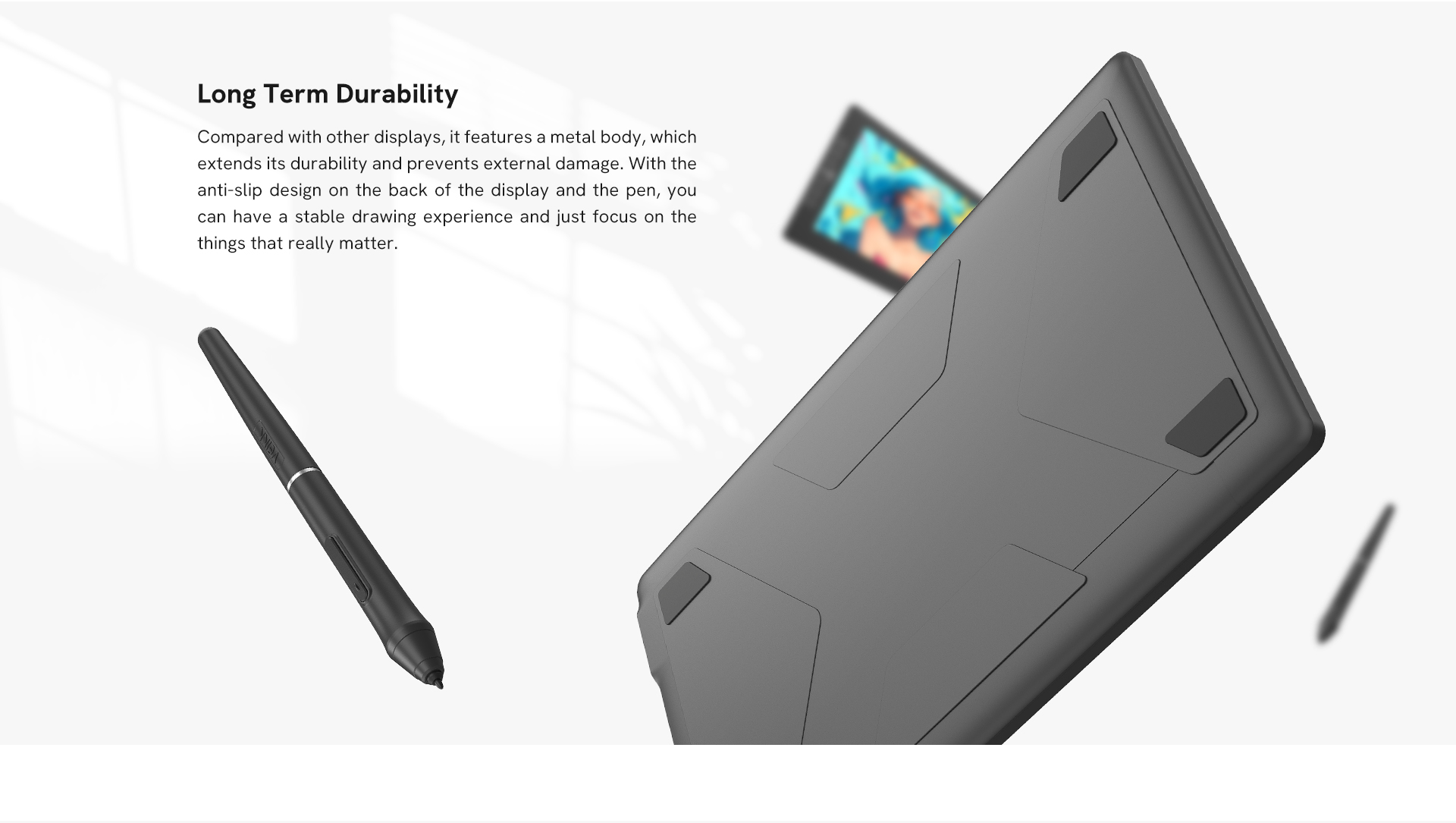
Long Term Durability
Compared with other displays, it features a metal body, which extends its durability and prevents external damage. With the anti-slip design on the back of the display and the pen, you can have a stable drawing experience and just focus on the things that really matter.
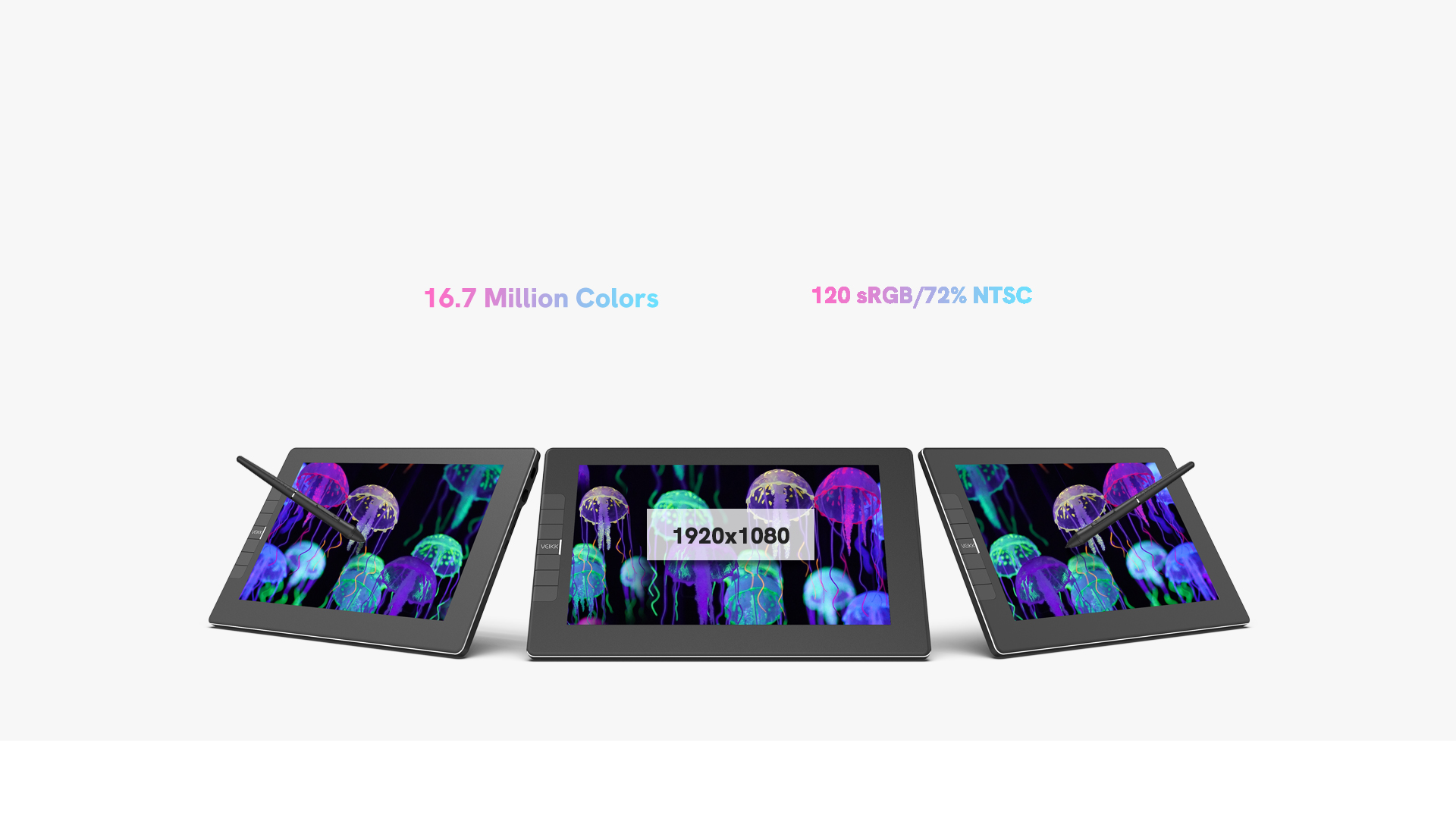
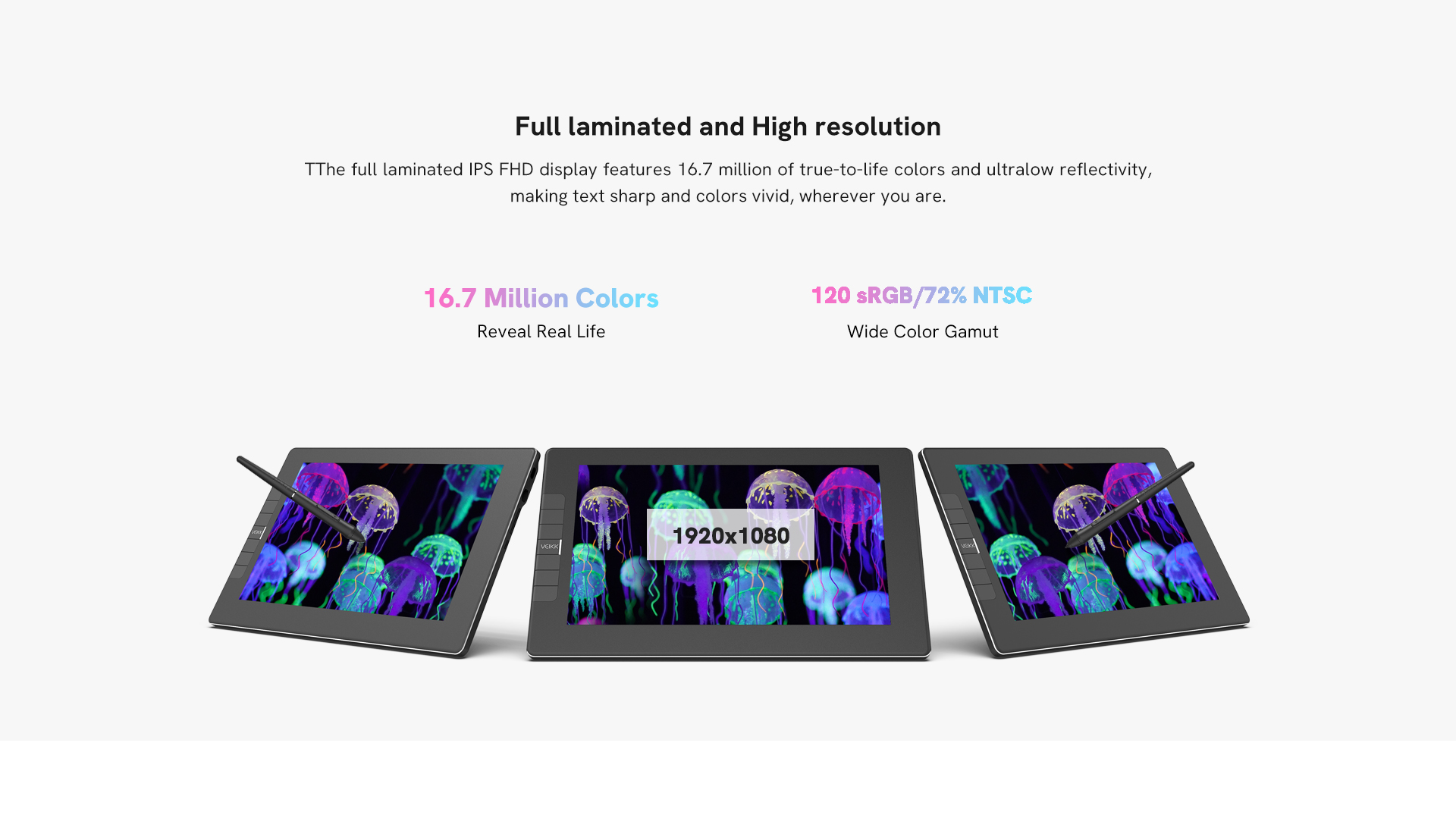
Full laminated and High resolution
The full laminated IPS FHD display features 16.7 million of true-to-life colors and ultralow reflectivity, making text sharp and colors vivid, wherever you are.
Reveal Real Life
Wide Color Gamut
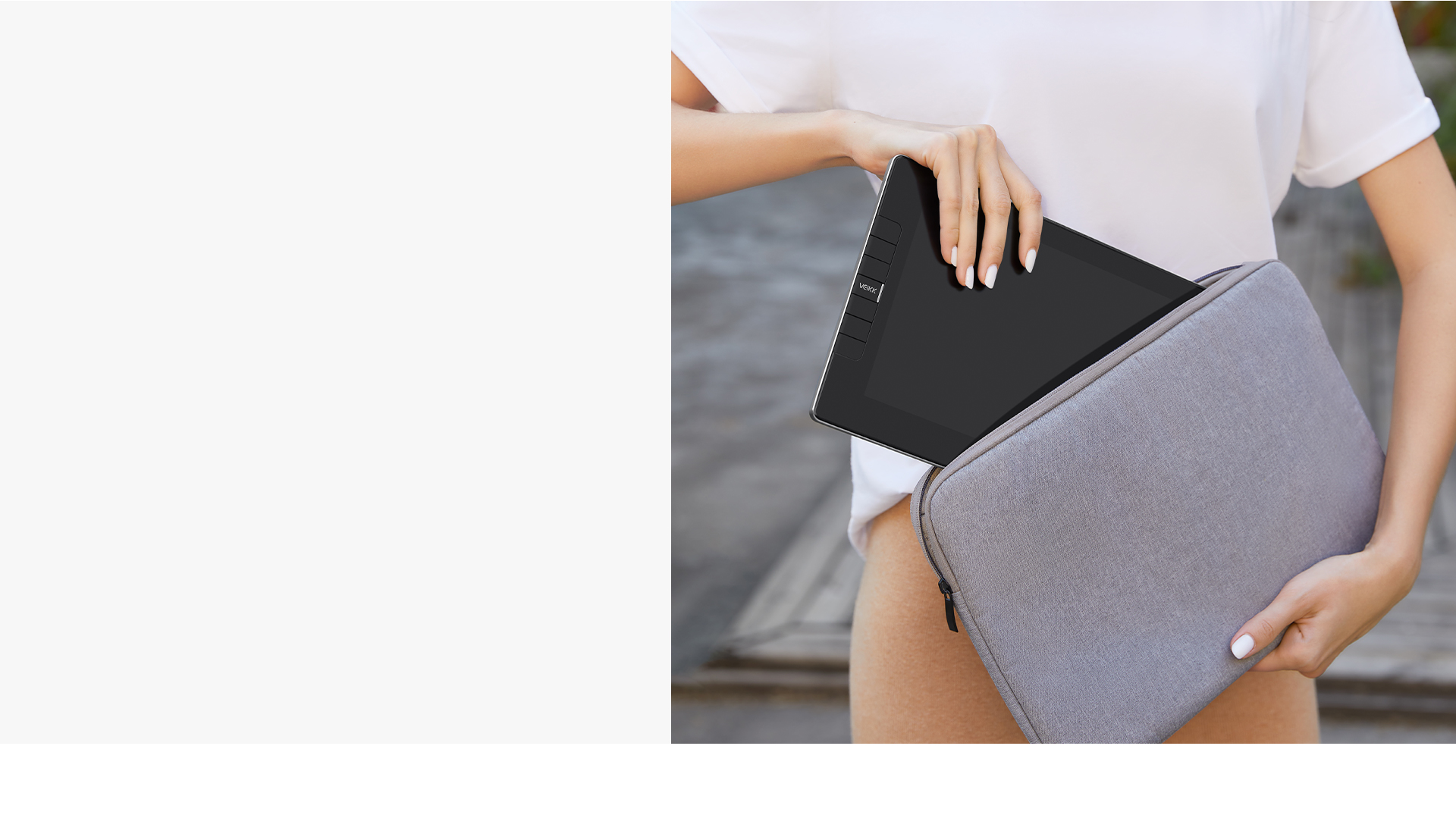
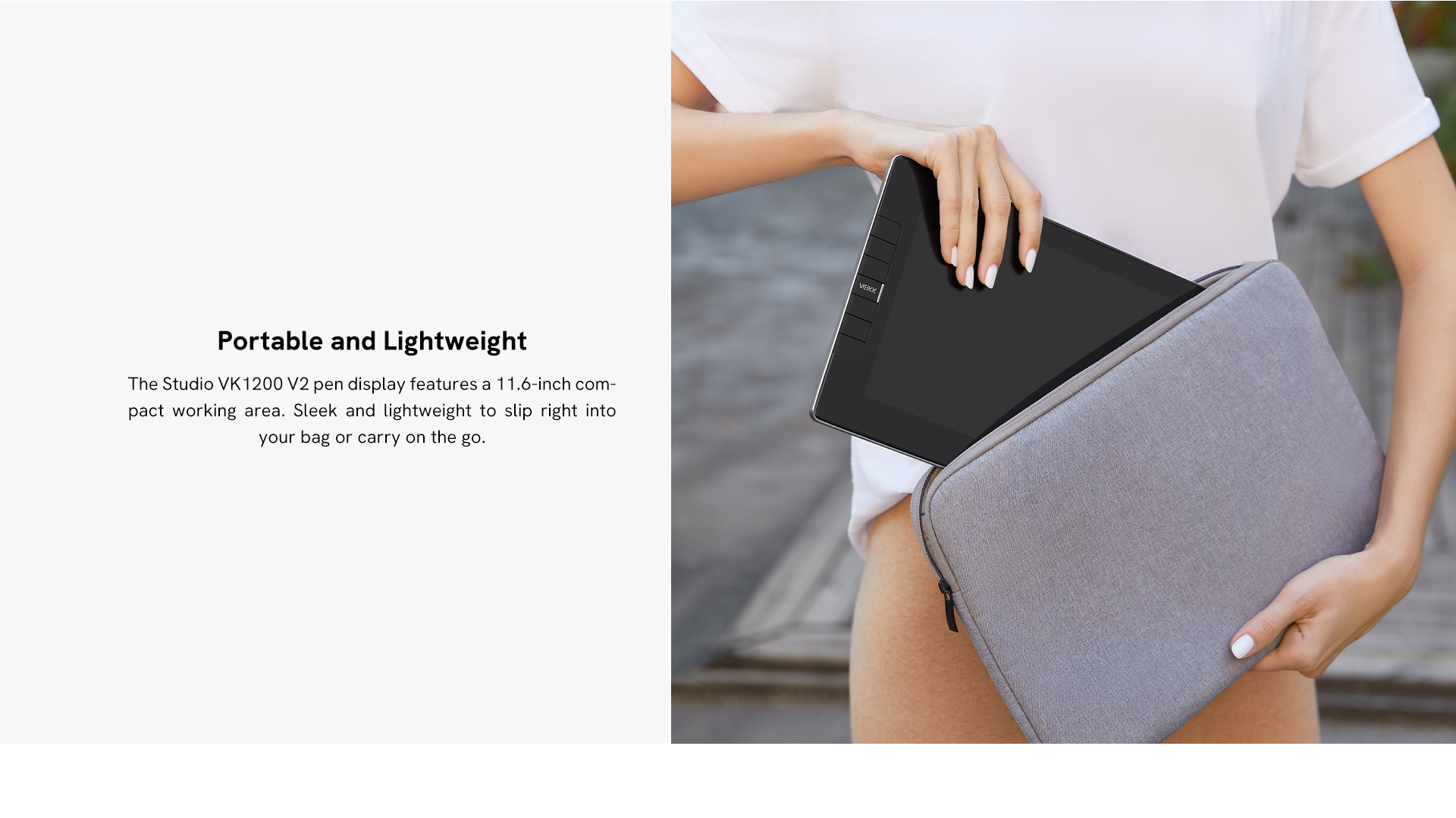
Portable and Lightweight
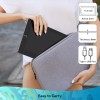
The Studio VK1200 V2 pen display features a 11.6-inch compact working area. Sleek and lightweight to slip right into your bag or carry on the go.
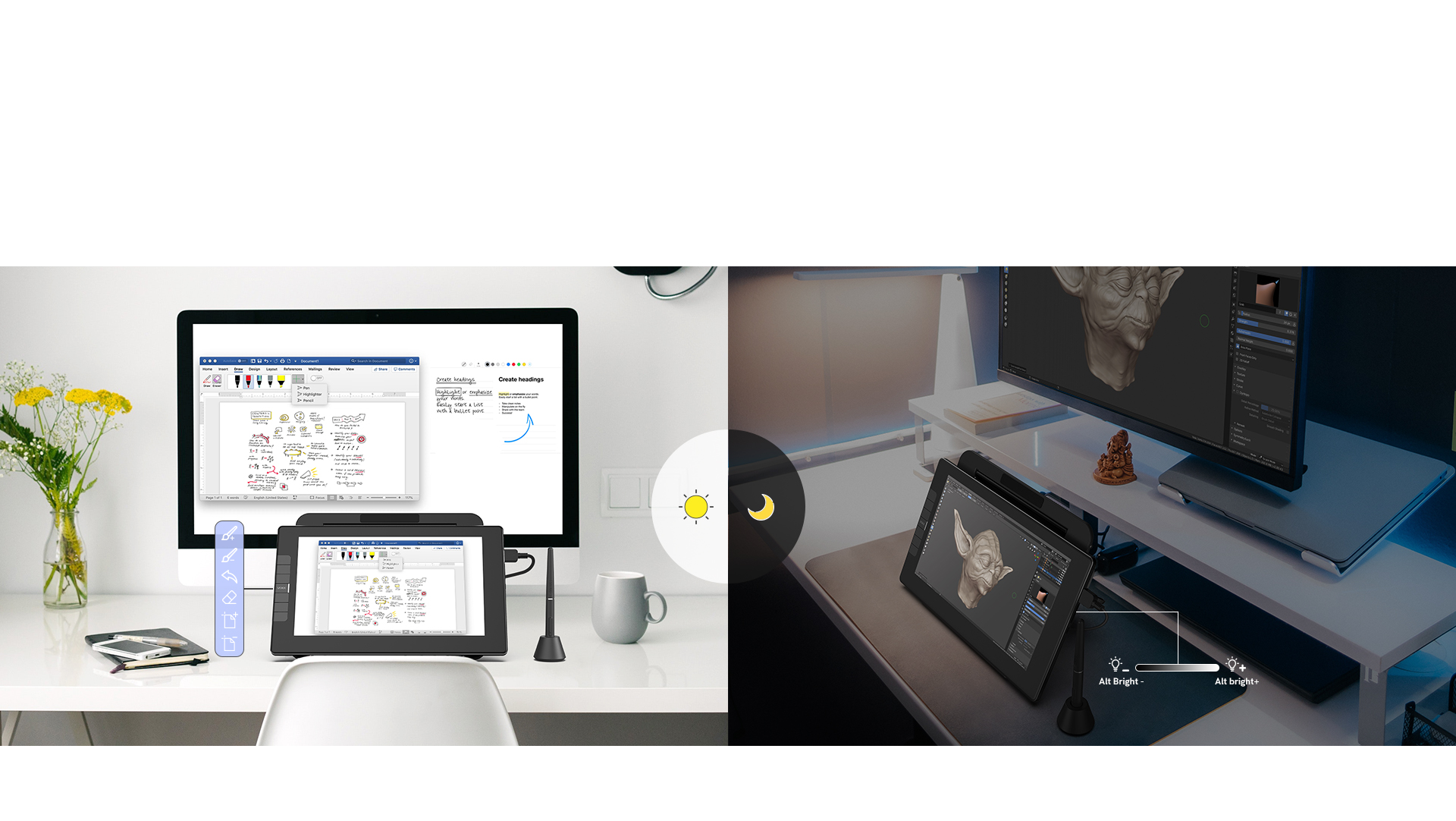
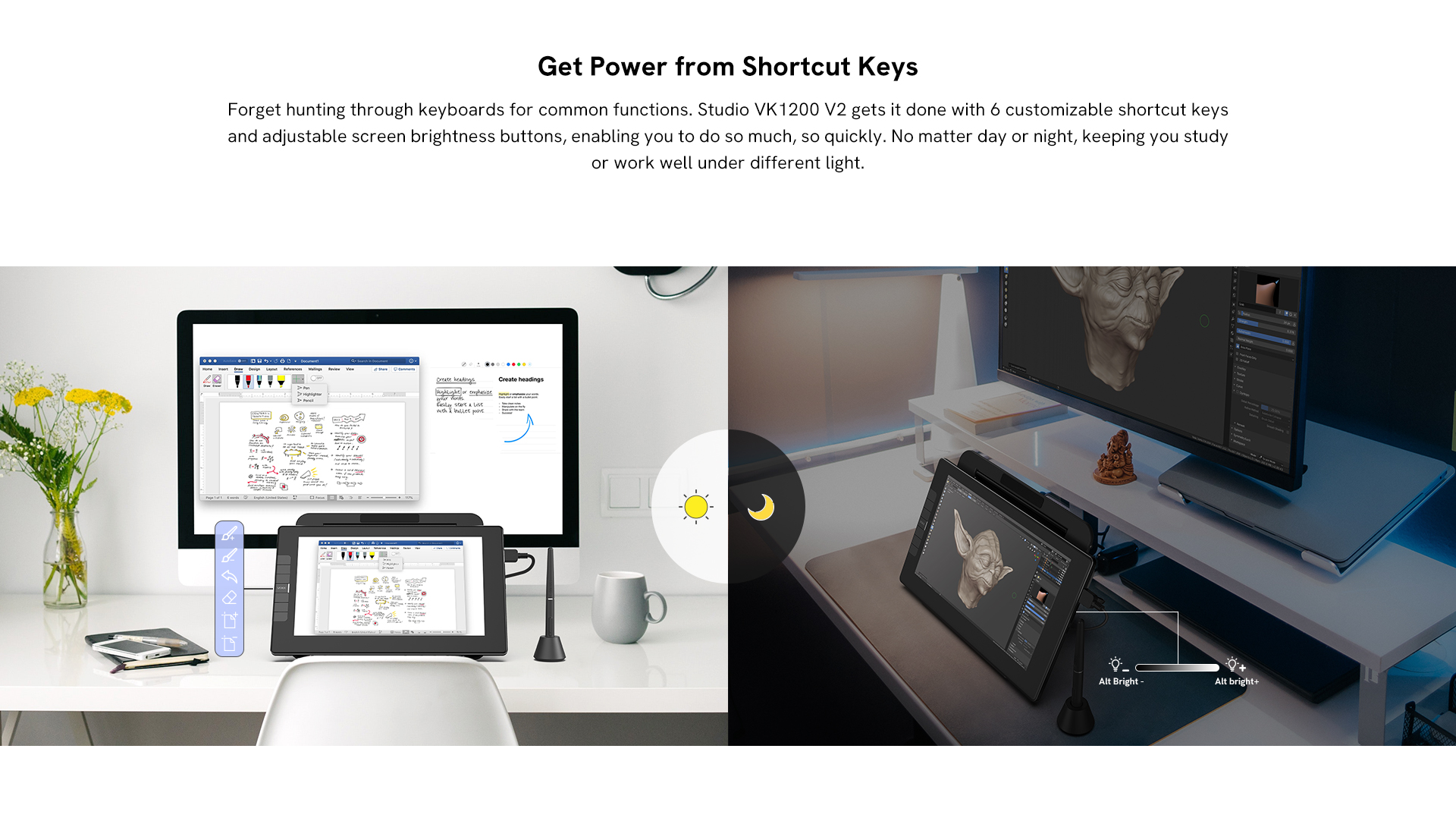
Get Power from Shortcut Keys
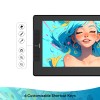
Forget hunting through keyboards for common functions. Studio VK1200 V2 gets it done with 6 customizable shortcut keys and adjustable screen brightness buttons, enabling you to do so much, so quickly. No matter day or night, keeping you study or work well under different light.
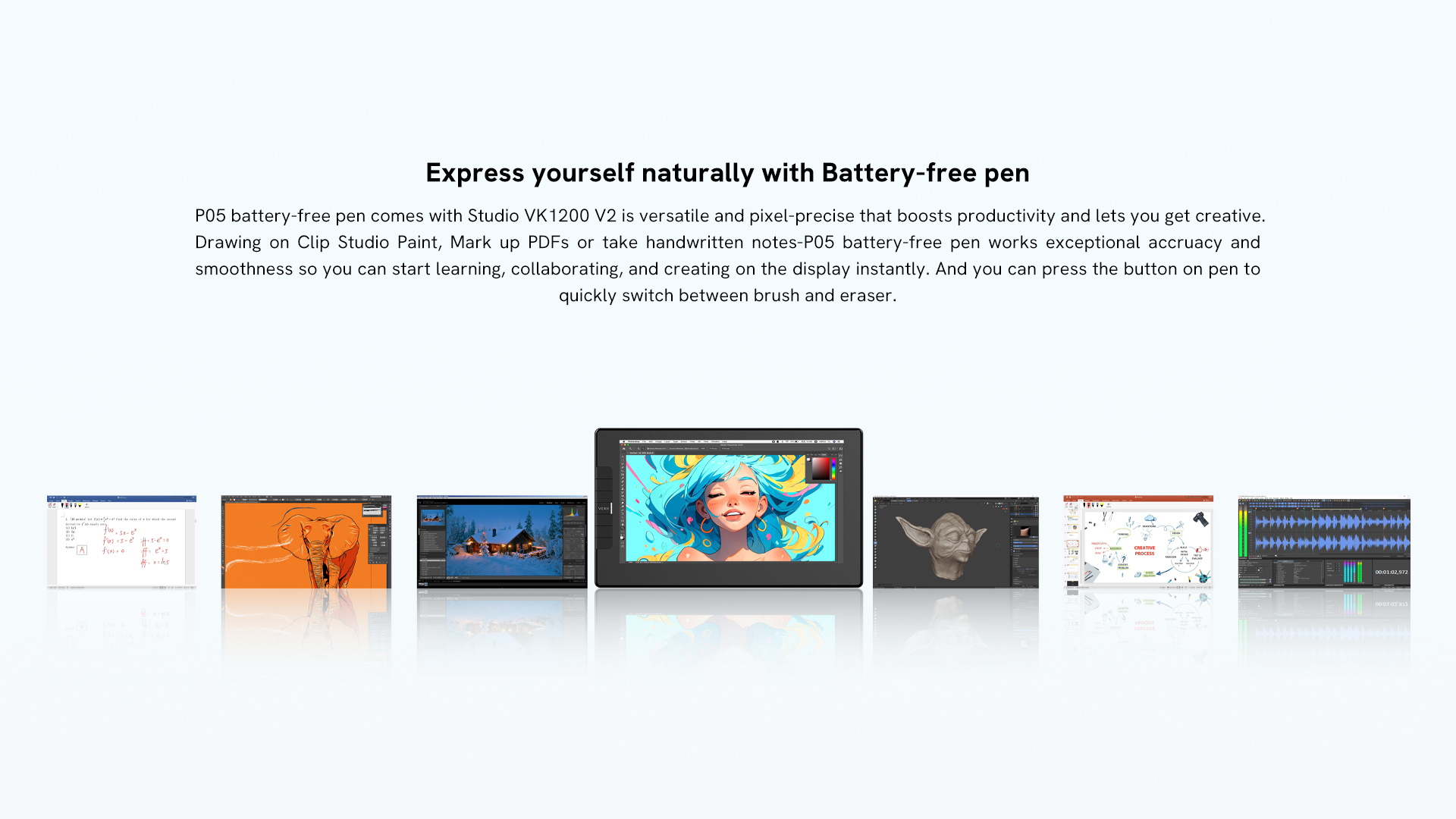
Express yourself naturally with Battery-free pen
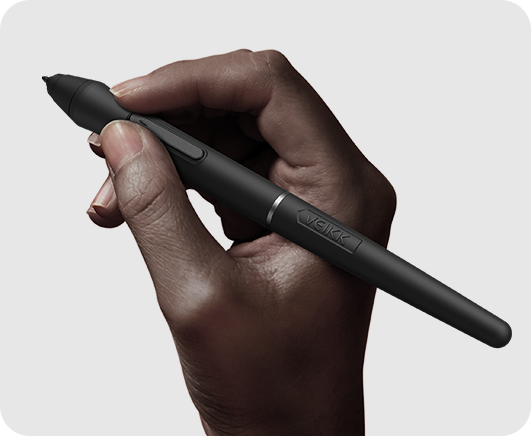
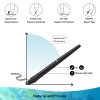
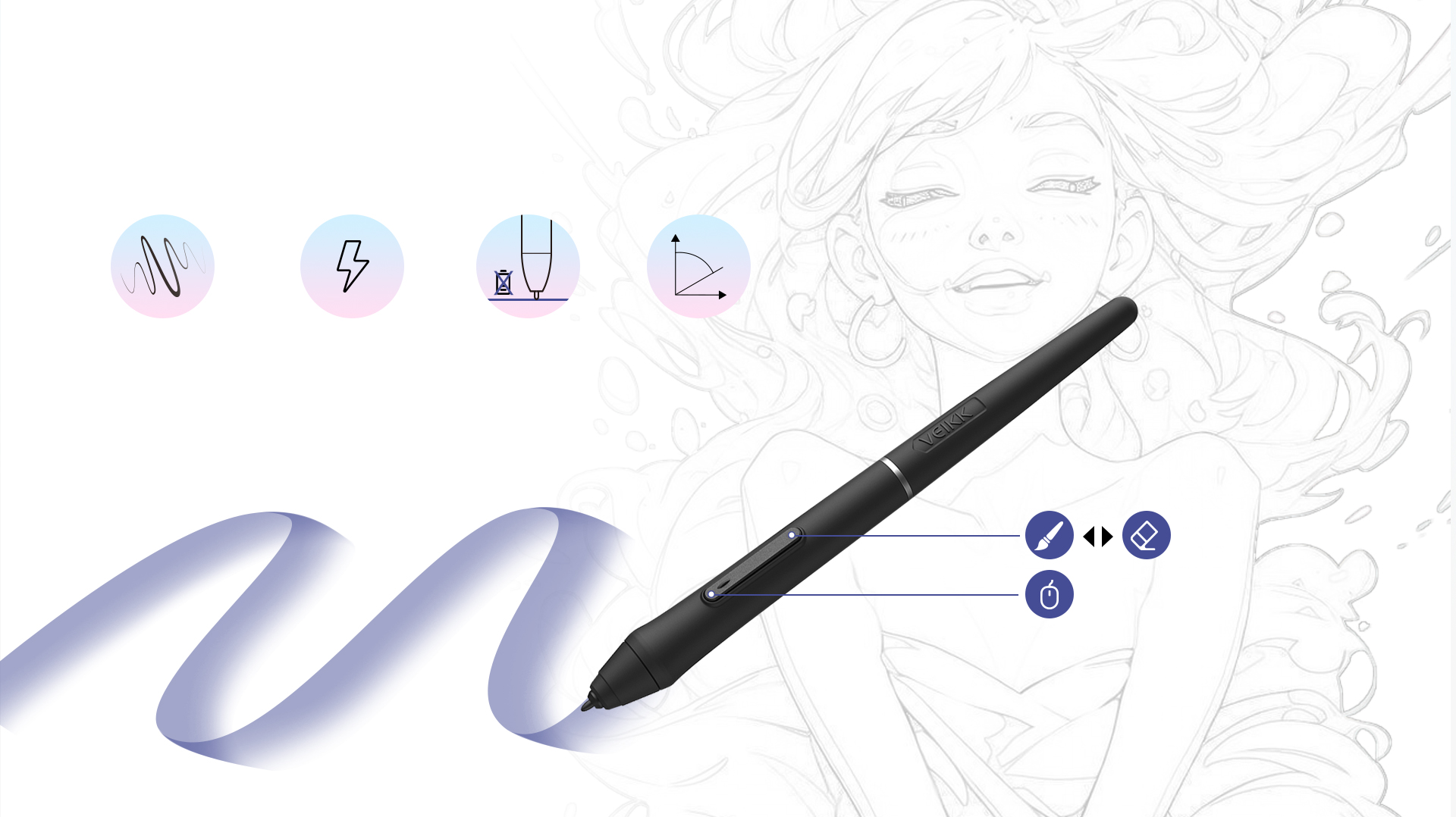
P05 battery-free pen comes with Studio VK1200 V2 is versatile and pixel-precise that boosts productivity and lets you get creative. Drawing on Clip Studio Paint, Mark up PDFs or take handwritten notes-P05 battery-free pen works exceptional accruacy and smoothness so you can start learning, collaborating, and creating on the display instantly. And you can press the button on pen to quickly switch between brush and eraser.
Accuracy and Control
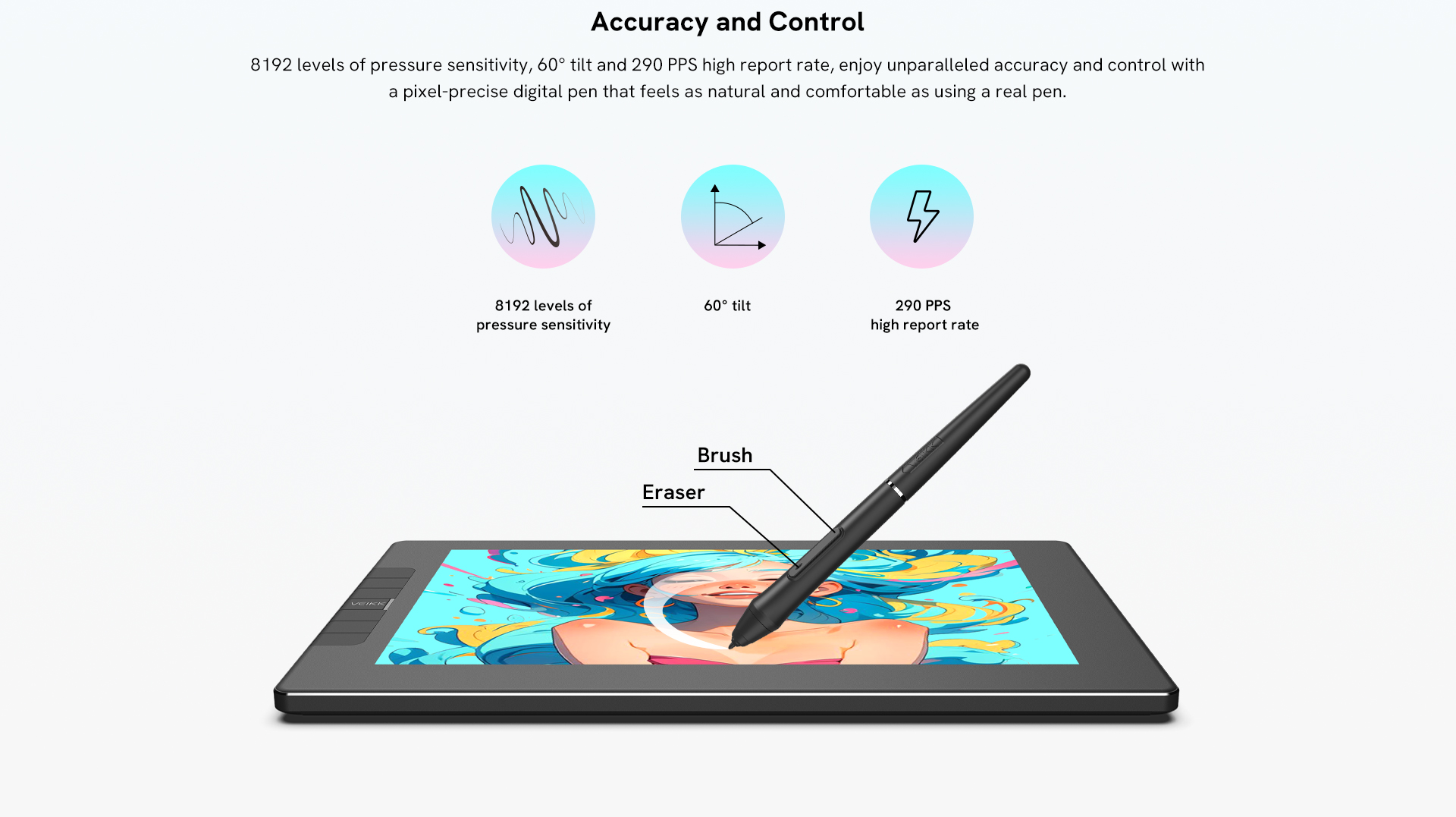
16384 levels of pressure sensitivity, 60° tilt and 290 PPS high report rate, enjoy unparalleled accuracy and control with a pixel-precise digital pen that feels as natural and comfortable as using a real pen.
16384 levels of pressure sensitivity
290 PPS high report rate
Batery-free Passive Stylus
60° tilt
Mouse right click
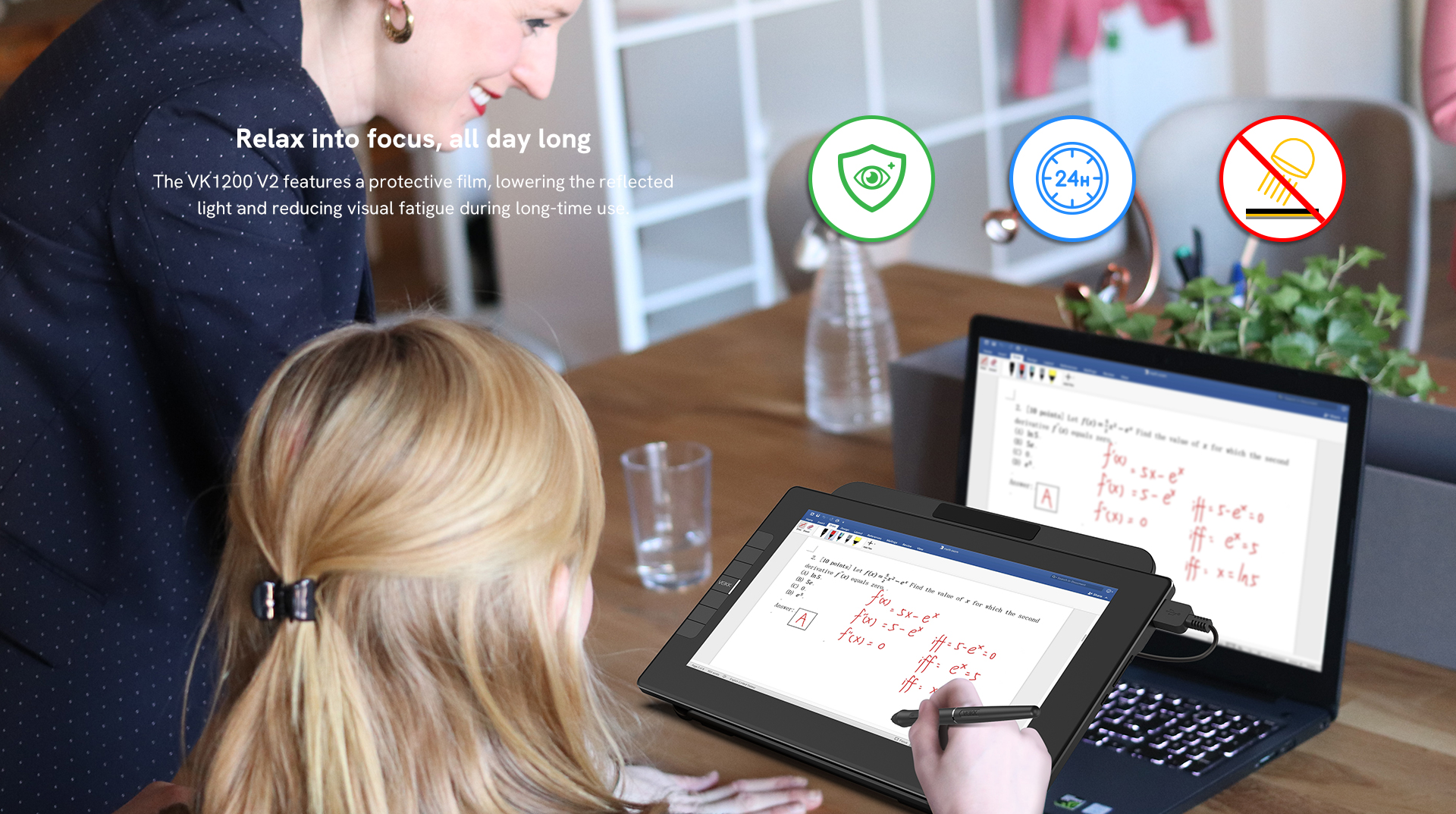
Relax into focus, all day long
The VK1200 V2 features a protective film, lowering the reflected light and reducing visual fatigue during long-time use.


To the platform you love
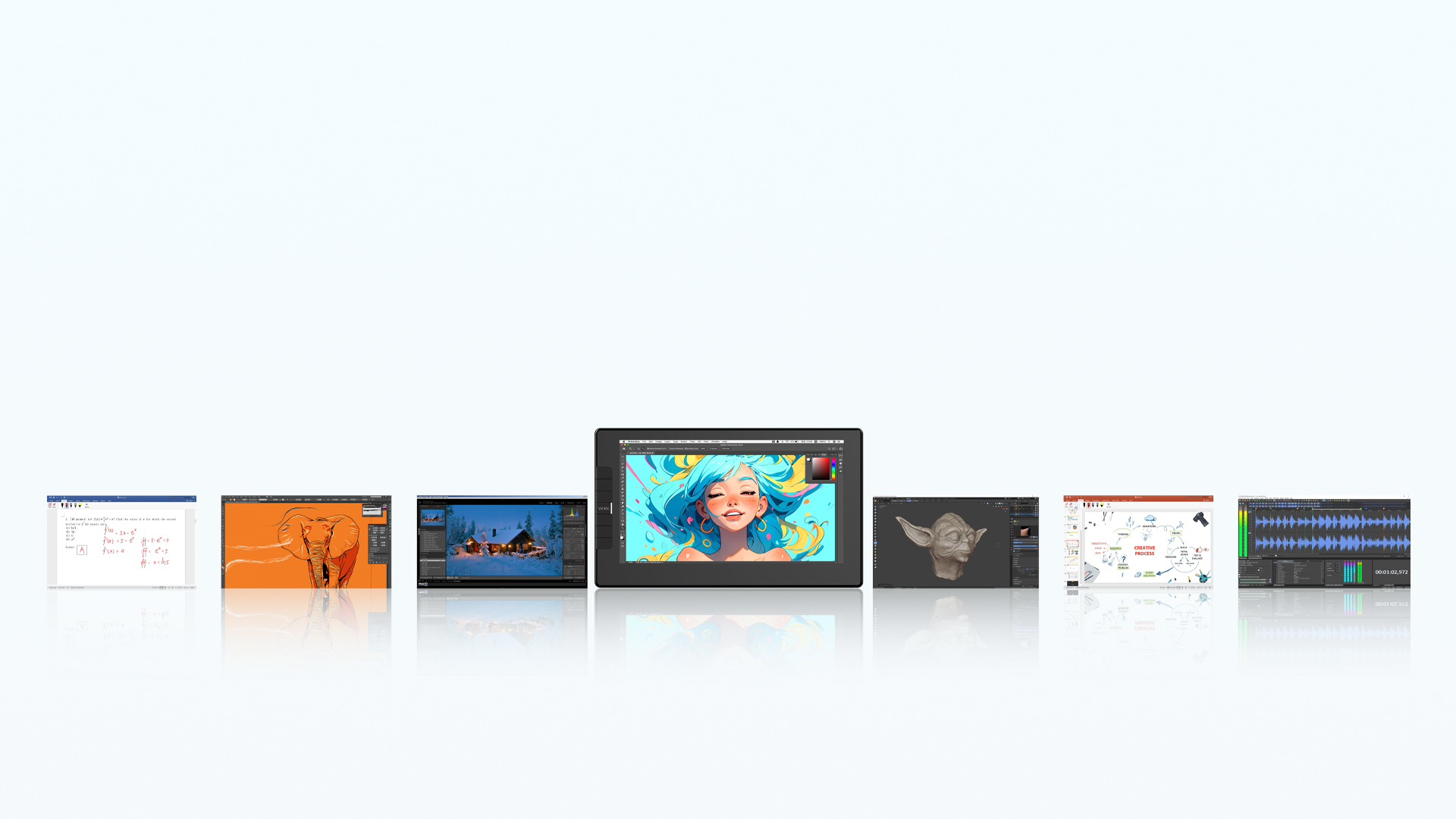
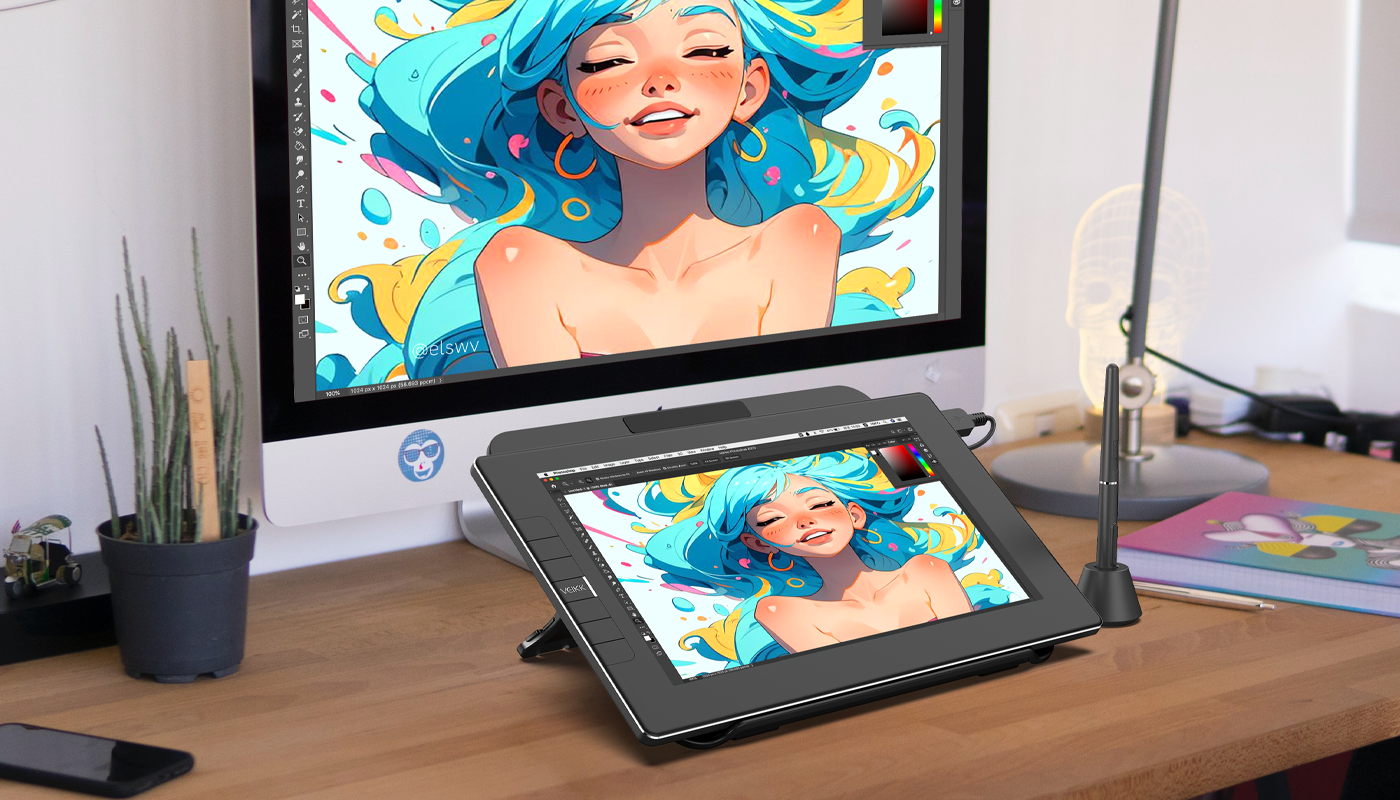
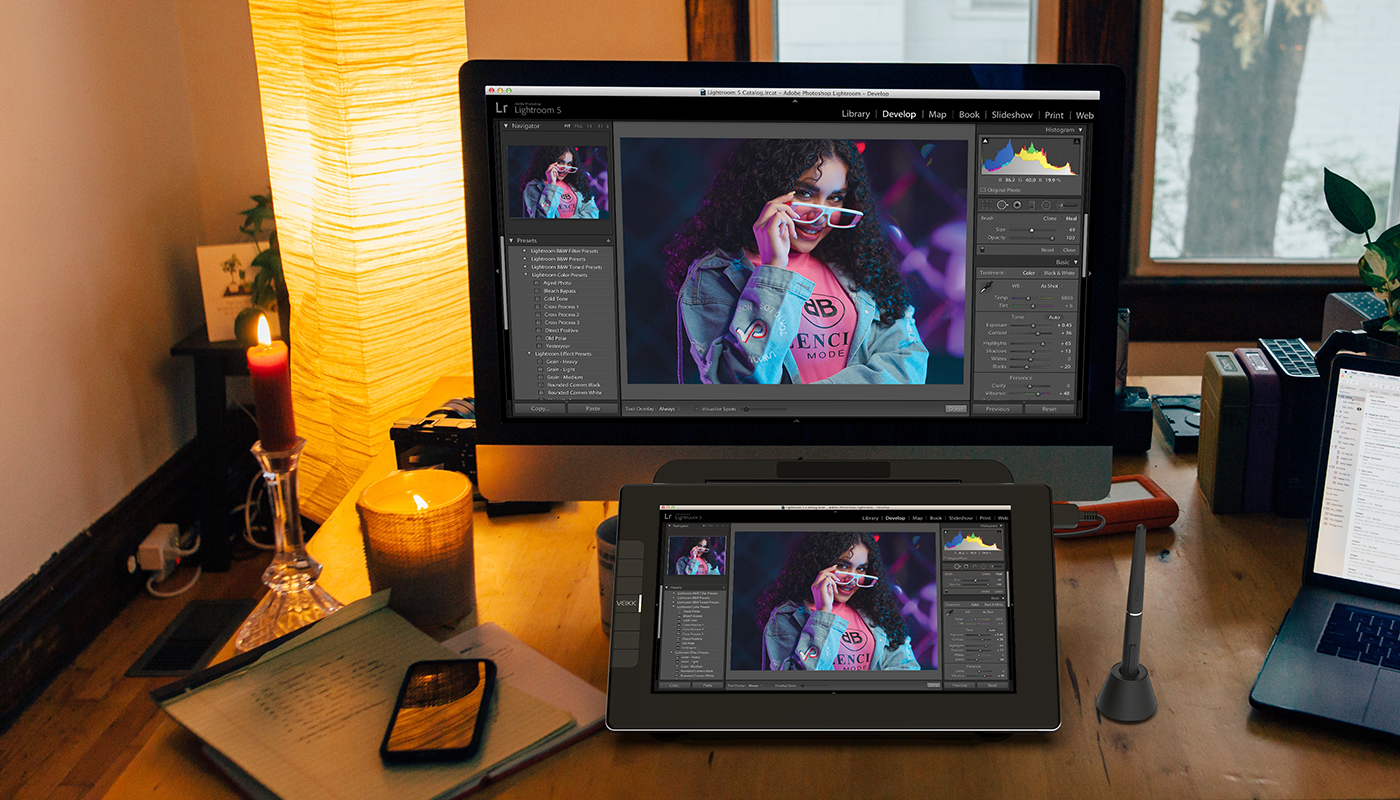
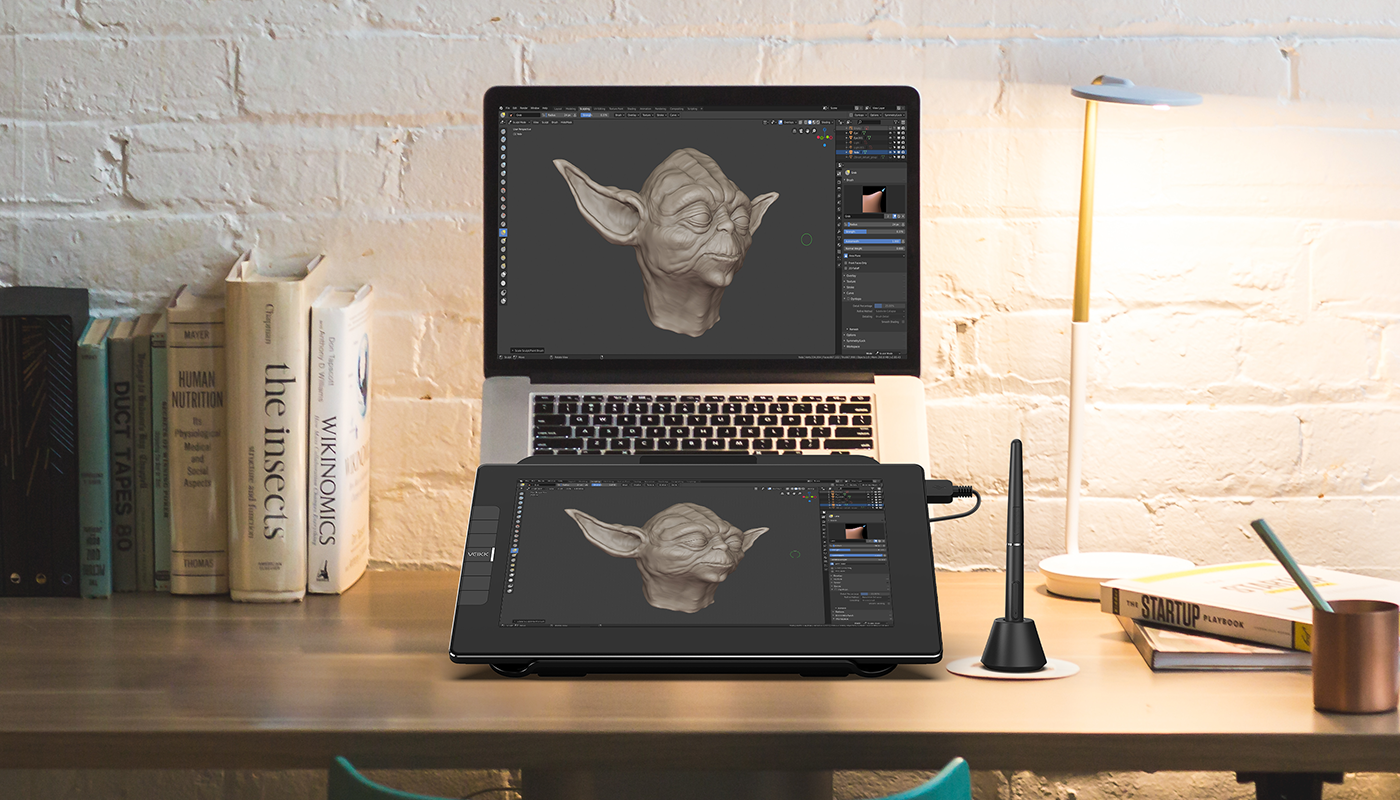
Studio VK1200 V2 pen display is compatible with Windows 7 (or later), macOS 10.12 (or later), Linux(Ubuntu/elementary OS/Pop!OS/ezgo/debian/mint/mageia/centOS/Arch). Use it to sketch, draw, edit photos, design, or create on software like clipstudio, Adobe Creative software, Medibang, Autodesk Sketchbook, FlipaClip, Zenbrush, Artrage, and more.


To the platform you love
Studio VK1200 V2 pen display is compatible with Windows 7 (or later), macOS 10.12 (or later), Linux(Ubuntu/elementary OS/Pop!OS/ezgo/debian/mint/mageia/centOS/Arch). Use it to sketch, draw, edit photos, design, or create on software like clipstudio, Adobe Creative software, Medibang, Autodesk Sketchbook, FlipaClip, Zenbrush, Artrage, and more.


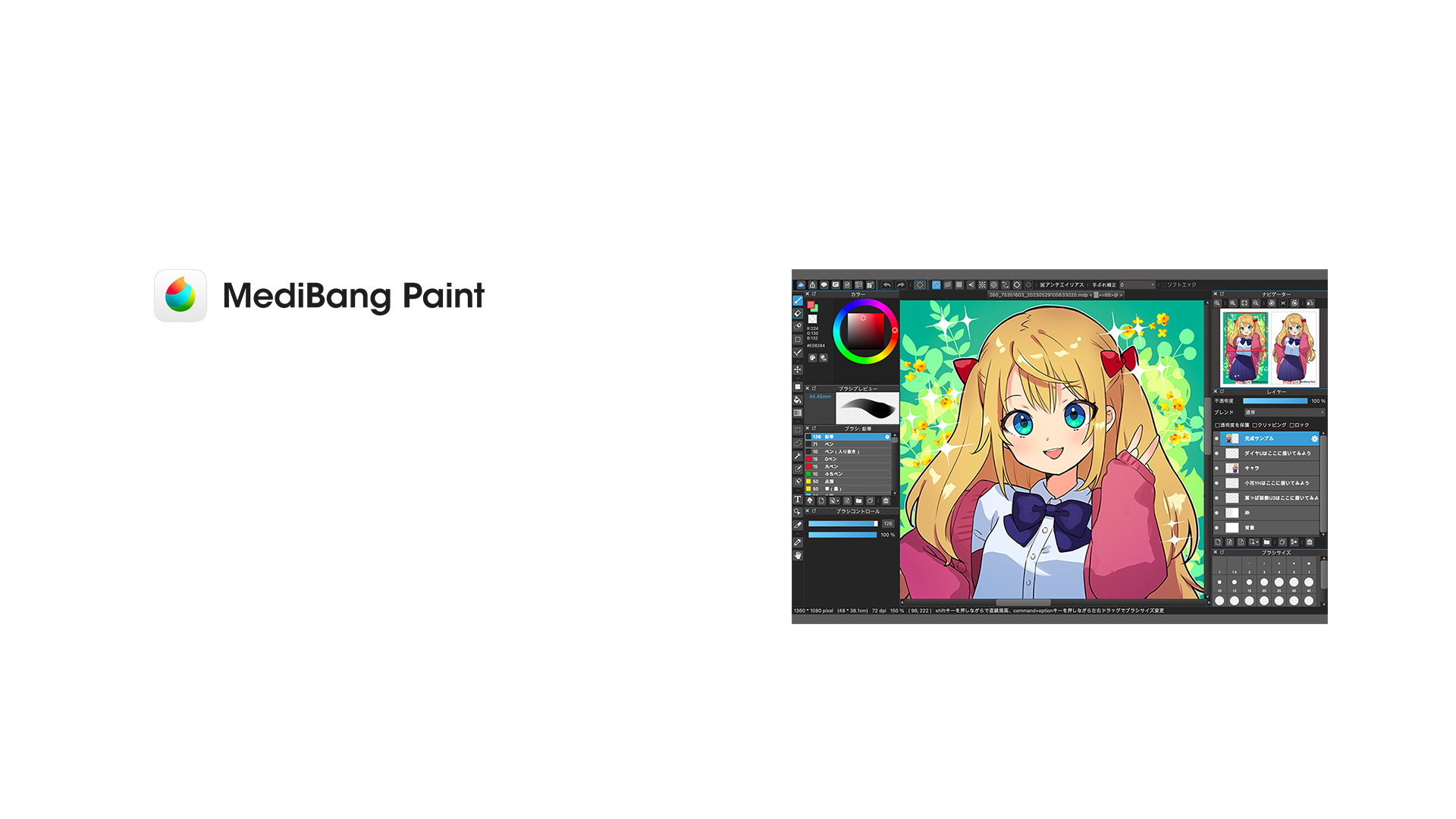
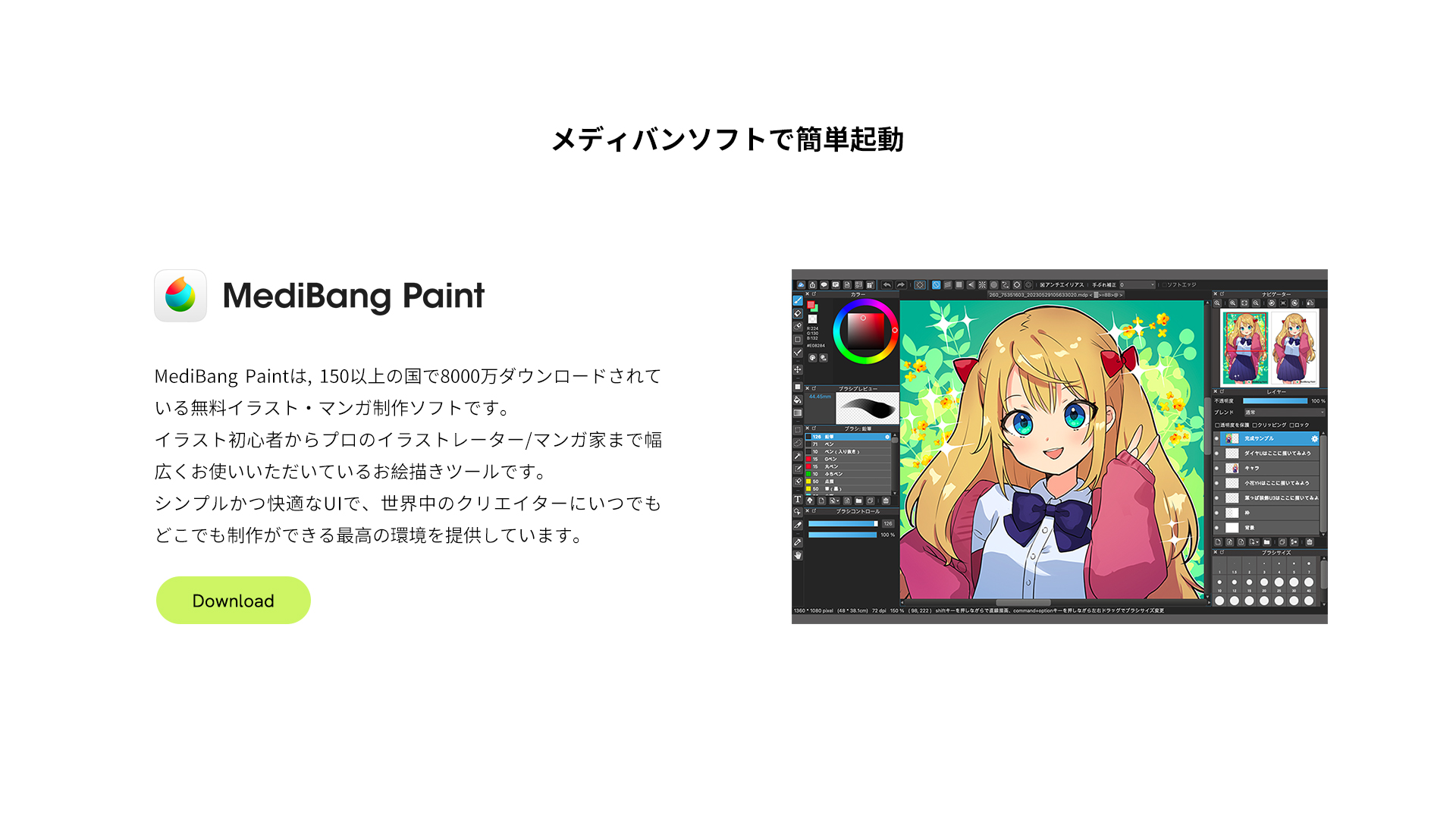
Easy Start with MediBang Software
MediBang Paint is a free illustration and manga creation software that has been downloaded over 80 million times in more than 150 countries. 
It is a drawing tool used by a wide range of users, from beginner illustrators to professional artists and manga creators. 
With its simple and user-friendly interface, it provides the best environment for creators around the world to create anytime, anywhere.
Go get a Stand
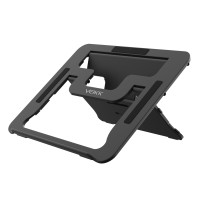
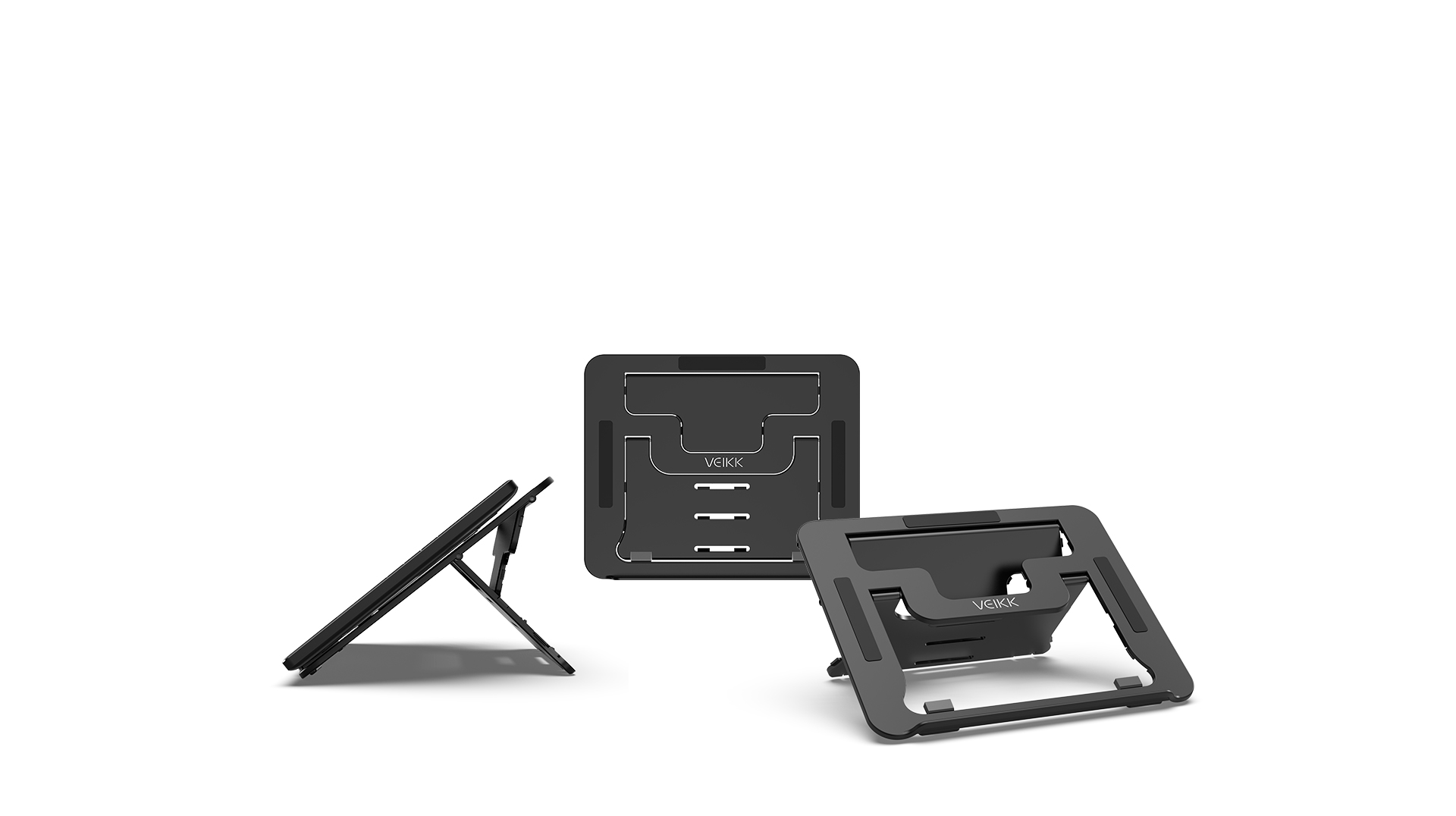
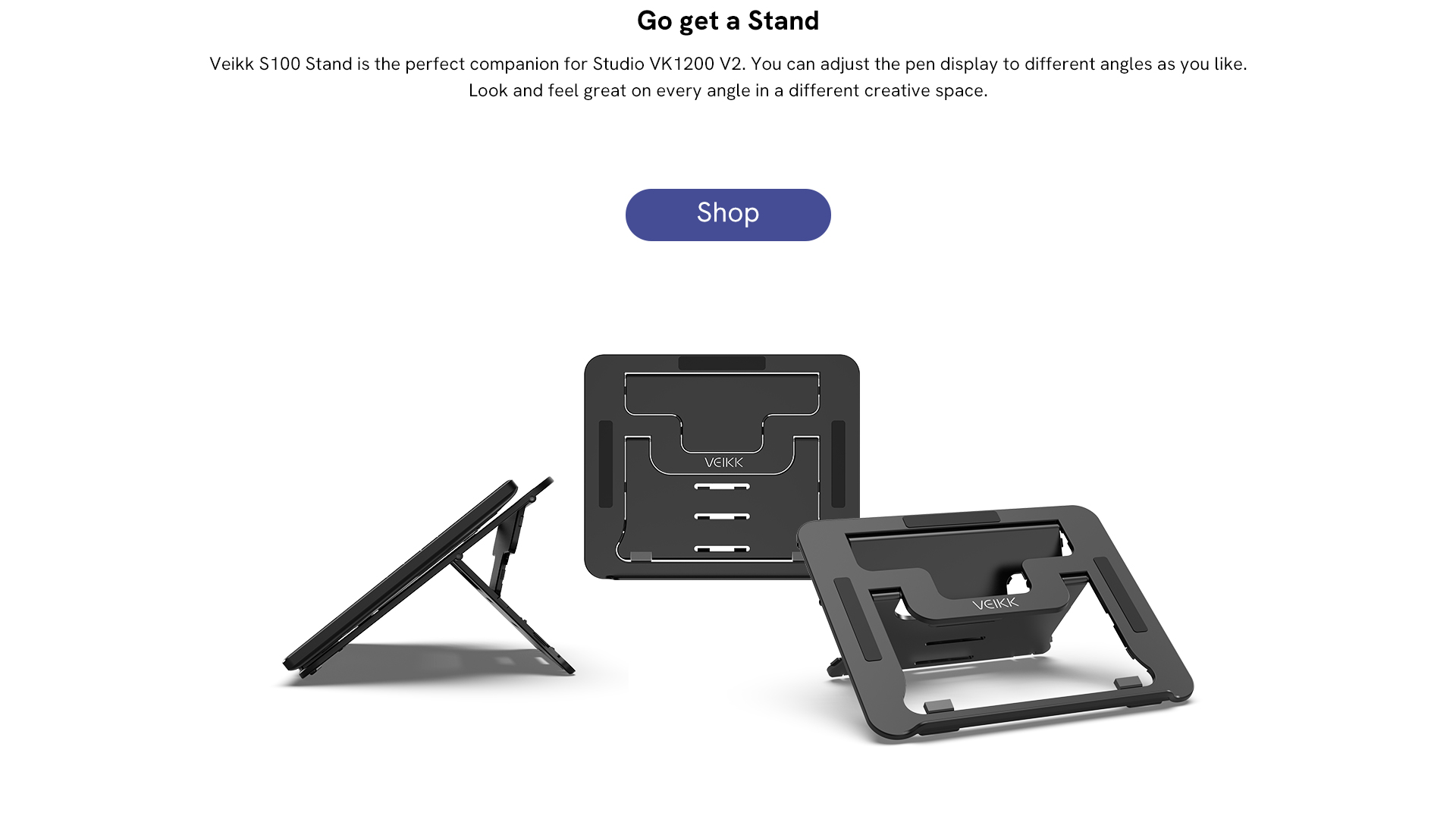
Veikk S100 Stand is the perfect companion for Studio VK1200 V2. You can adjust the pen display to different angles as you like. Look and feel great on every angle in a different creative space.
Recommended products for you

Studio VK2200 Pro

VK1200 V2 Stand Bundle

Customer reviews
4.81 out of 5 stars

4.81 ratings | 98 reviews

1.てりち on 2024-08-21
このクラスの液晶タブレットがこの価格帯で買えるのは凄いですね。 しかもUSB-Cケーブル1本で接続可能というのは、ノートPCと一緒に持ち運ぶのにぴったりです。 重量も760g前後なのでモバイルモニターとタブレットの2台持ちよりも楽になります。 11.6インチFHD表示の液晶は、少し暗めだが表示はキレイで見やすく、質は思いのほか高めです。 サブモニターとして使っても悪くないと思います。 日本語のマニュアルも付属しているので、導入から使用まで困る事はありませんでした。 HDMIとUSB-Cでの接続が選択できますが、今回はUSB-Cで接続しました。 ただ、この映像ケーブルが専用の形状をしているので、市販のケーブルを利用 できないのはマイナスだと思うのですが…何故でしょう?
2.Sophia on 2024-08-09
Second VEIKK tablet I've bought. This one has a screen. No regrets.
3.@kaocoffe on 2024-08-08
The tablet looks so fine haha it has some beautiful finishes and makes it look professional, it's 12pul it's a pretty portable size so I love it besides it brings TWO PENCILS???!! NOSE was very surprised haha
4.Travis on 2024-07-11
Nice looking colors, decent sized display for drawing without being absolutely overboard like a 22in display or far too small like a 12in display. The pen and display response time seems just fine, though pen placement accuracy around the very edges of the screen are a little bit off, which shouldn't be to much of an issue since that's where your taskbar and title bar and brushes and all that junk are. The drivers function just fine under Arch Linux if you use the debtap package to convert the .deb driver file from Veikk's own website, the Veikk driver in the aur currently is very out of date and broken. I run KDE Plasma as well and mirroring the main display, a 1440p ultrawide, to this 1080p 16:9, is functional, scaling it down bi-linearly or so, not nearest neighbor, and cutting off the edges of the main display. It is not perfect, as there are some small and slightly annoying bugs with unrelated software, but the driver does let the pen constrain to the correct screen area. Unsure of other desktop environments.
5.lyrieeeee on 2024-06-30
My thoughts on this tablet are mostly positive and I think it is comparable with other brands!